Add Text To Imessage Screenshot AI
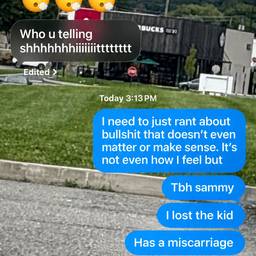
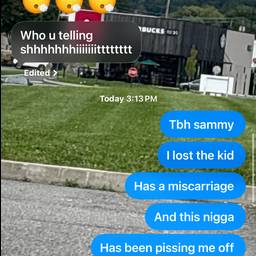
Add text to any iMessage screenshot with AI and make the joke land. Put “this you?” above a blue bubble, label a group chat plan with “who’s in?”, or write “proof” over a friend’s canceled-dinner text. Turn a plain chat capture into something clear and shareable. See examples below.
Try It FreeBefore & After
Community Examples