Change Date And Time In Gcash Screenshot AI
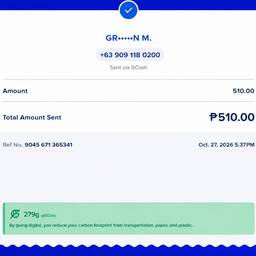
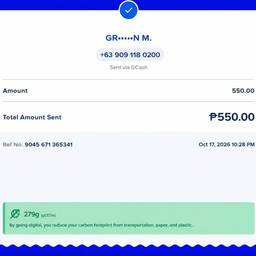
Change the date and time on a GCash screenshot in seconds. Fix a receipt where the timestamp is off by a day, correct the hour when your phone clock was wrong, or match the date on a saved payment proof to the day you actually sent it. Keep your records straight. See examples below.
Try It FreeBefore & After
Community Examples