Edit Payment Screenshot Details With AI

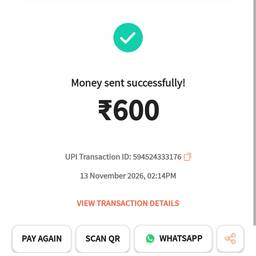
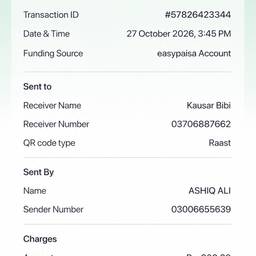
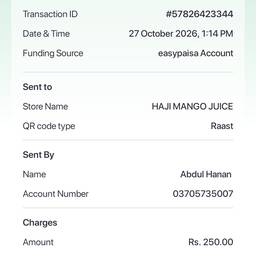
Edit payment screenshot details with AI in a few taps. Blur a card number before sending a receipt to support, fix a typo in the memo line on a client invoice, or swap a placeholder amount in a demo checkout screenshot. Keep your payment records clear and safe to share. See examples below.

Try It Free

Before & After

Community Examples
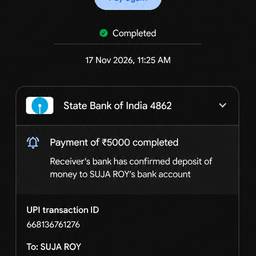
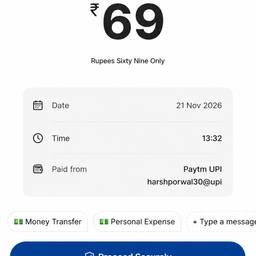
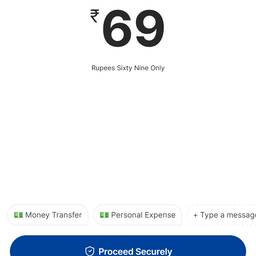
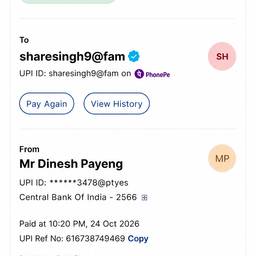
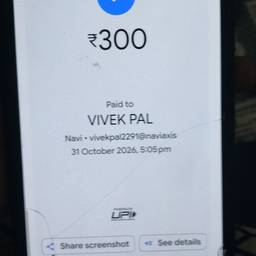
Custom UPI Payment Screenshot
Reference
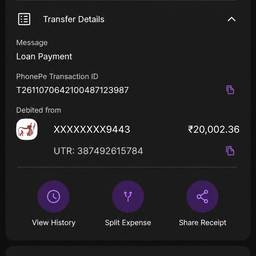
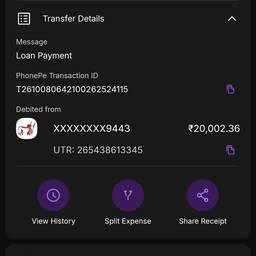
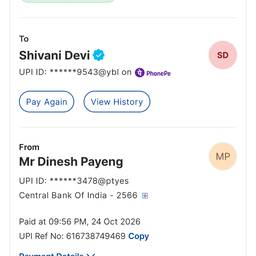
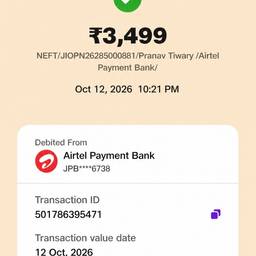
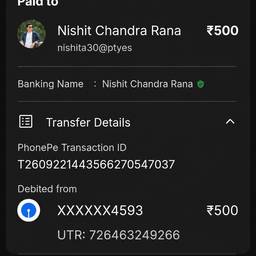
PhonePe Payment Screenshot Edit
Reference
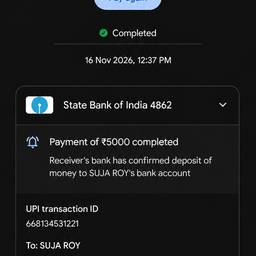
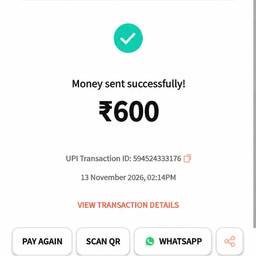
UPI Payment Screenshot Edit
Reference
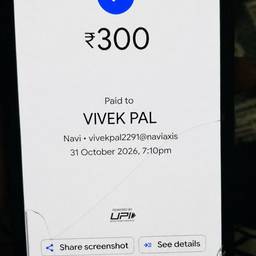
UPI Payment Screenshot Edit
Reference
UPI Payment Time Edit
Reference
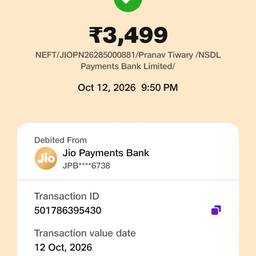
Payment Receipt Edit
Reference
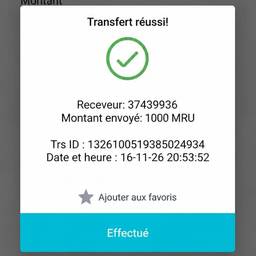
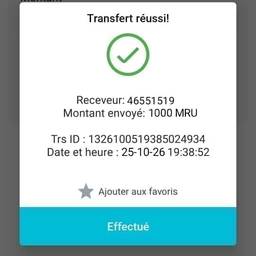
Payment Transfer Receipt Edit
Reference
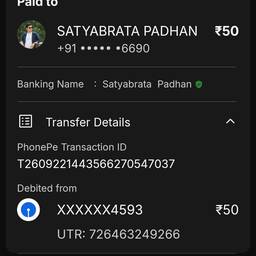
PhonePe Payment Screenshot Edit
Reference
UPI Payment Screenshot Edit
Reference
Payment Receipt Edit
Reference

Best Models for Edit Payment Screenshot Details With AI