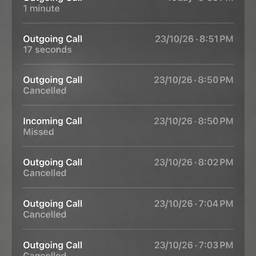
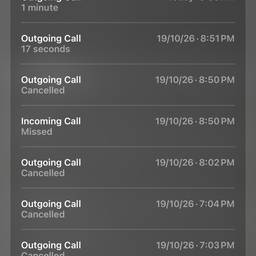
Edit Screenshot Date And Time AI
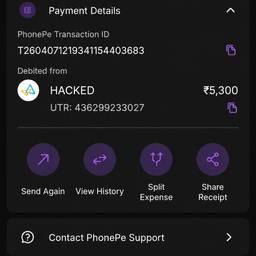
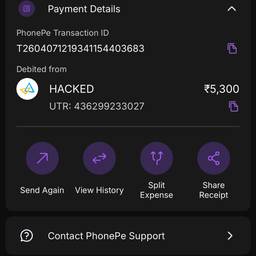
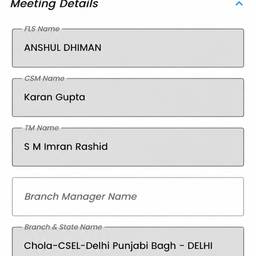
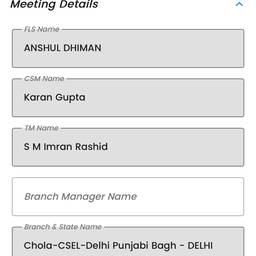
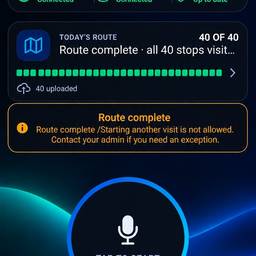
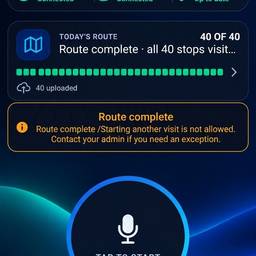
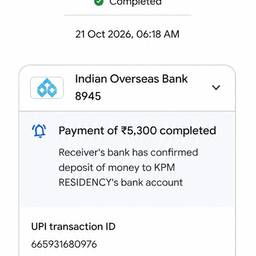
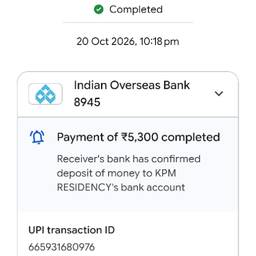
Edit the date and time shown in any screenshot using AI. Fix a wrong timestamp on a chat message, update the clock on a booking confirmation, or correct the date on a calendar screenshot. Keep your screenshots accurate and ready to use. See examples below.
Try It FreeBefore & After
Community Examples