Remove Outer Frame From Image AI
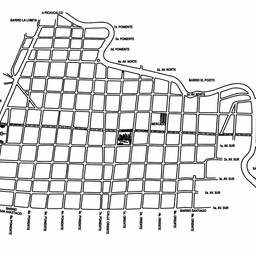
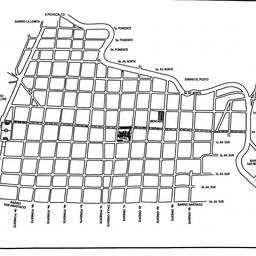
Remove the outer frame from any image with AI. Strip the white border from a scanned photo before printing, delete the black frame around a screenshot, or take off the ornate edge from a framed painting scan. Get a clean, print-ready picture. See examples below.
Try It FreeBefore & After
Community Examples