Add People to Group Photo
Prompt
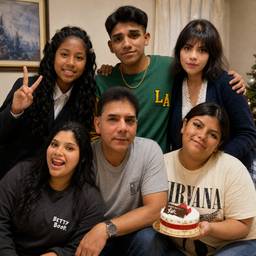
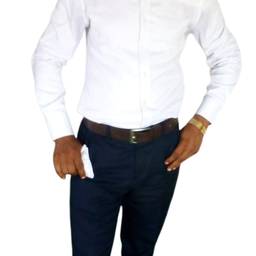
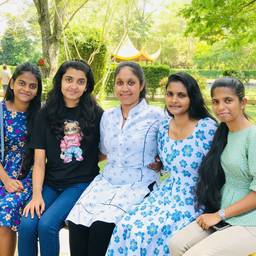
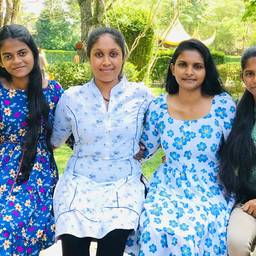
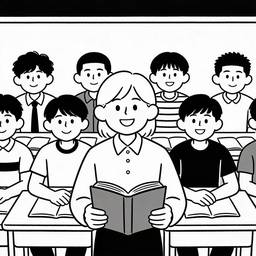
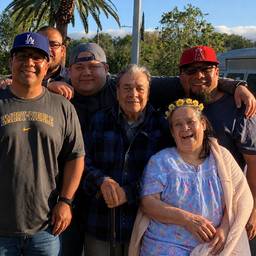
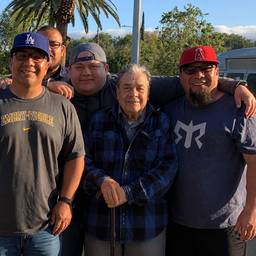
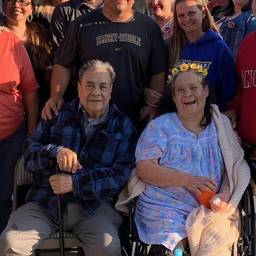
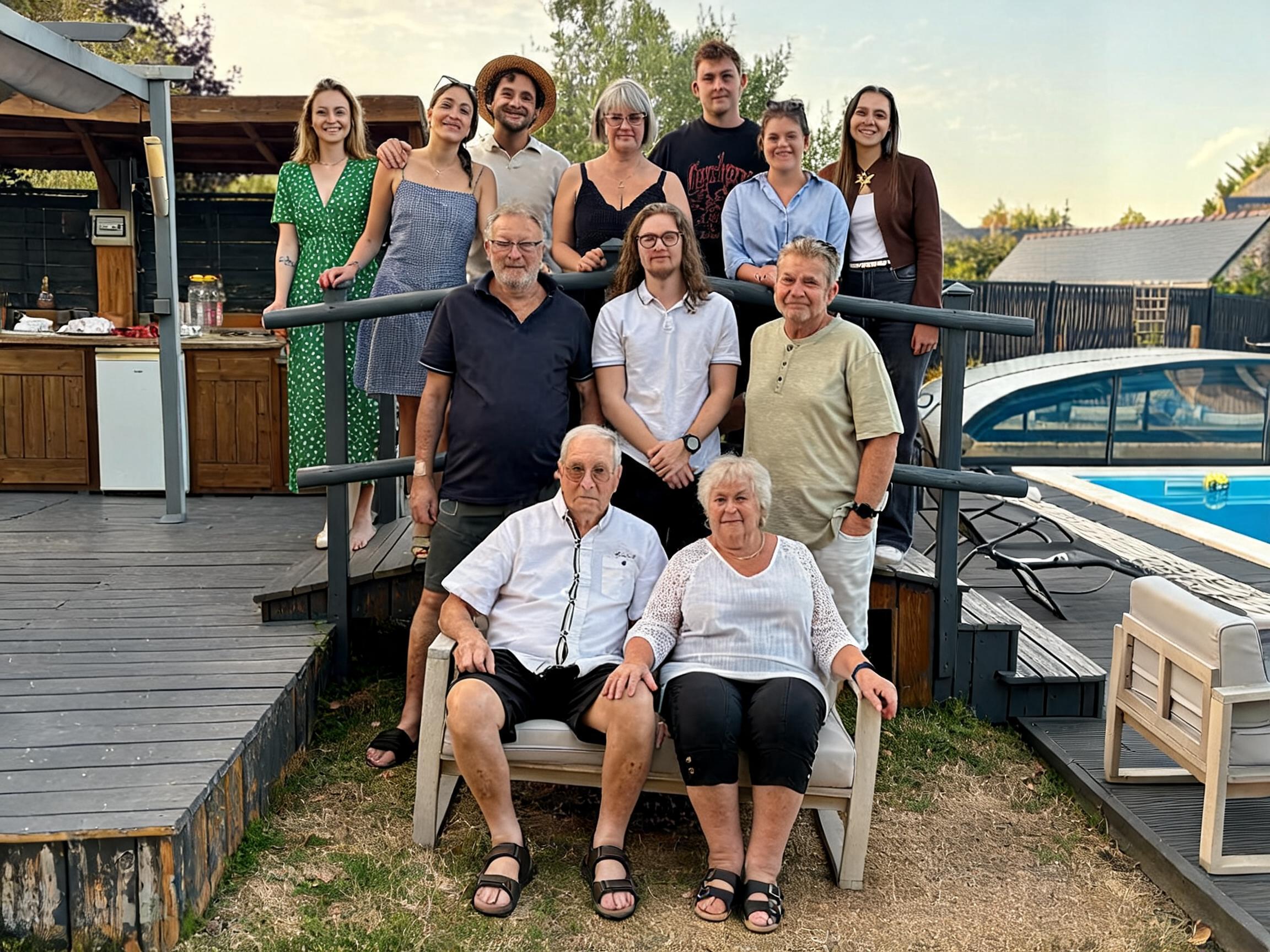
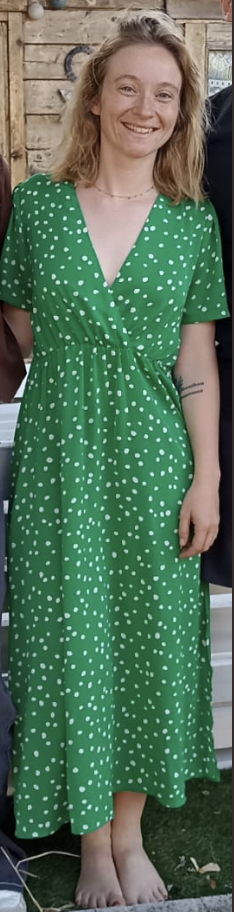
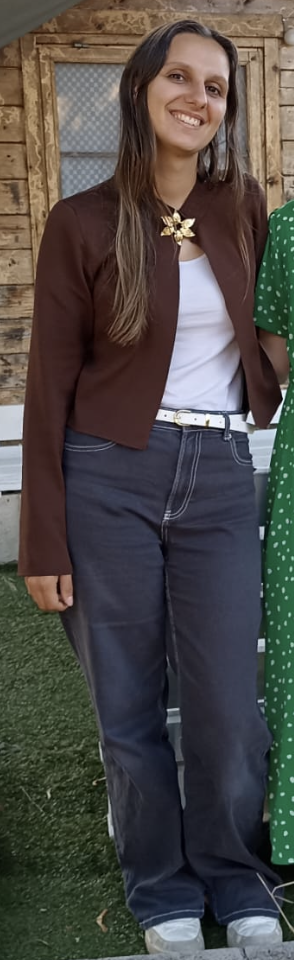
Add the two people from Figure 2 and Figure 3 into the group photo in Figure 1. Place them naturally among the group on the wooden deck with the lake background. Do not change any faces. Make the result look completely natural and realistic as if they were part of the original group photo.
More like this