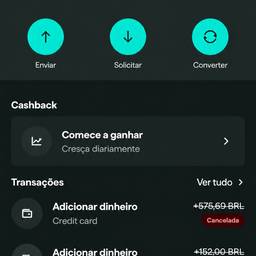
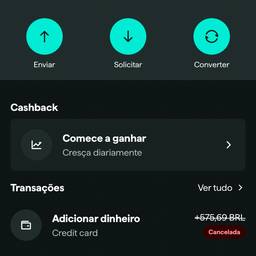
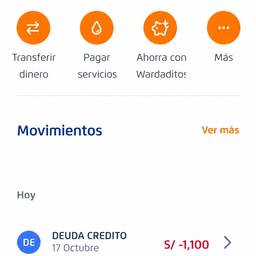
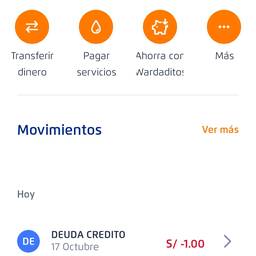
Banking App Screenshot Edit
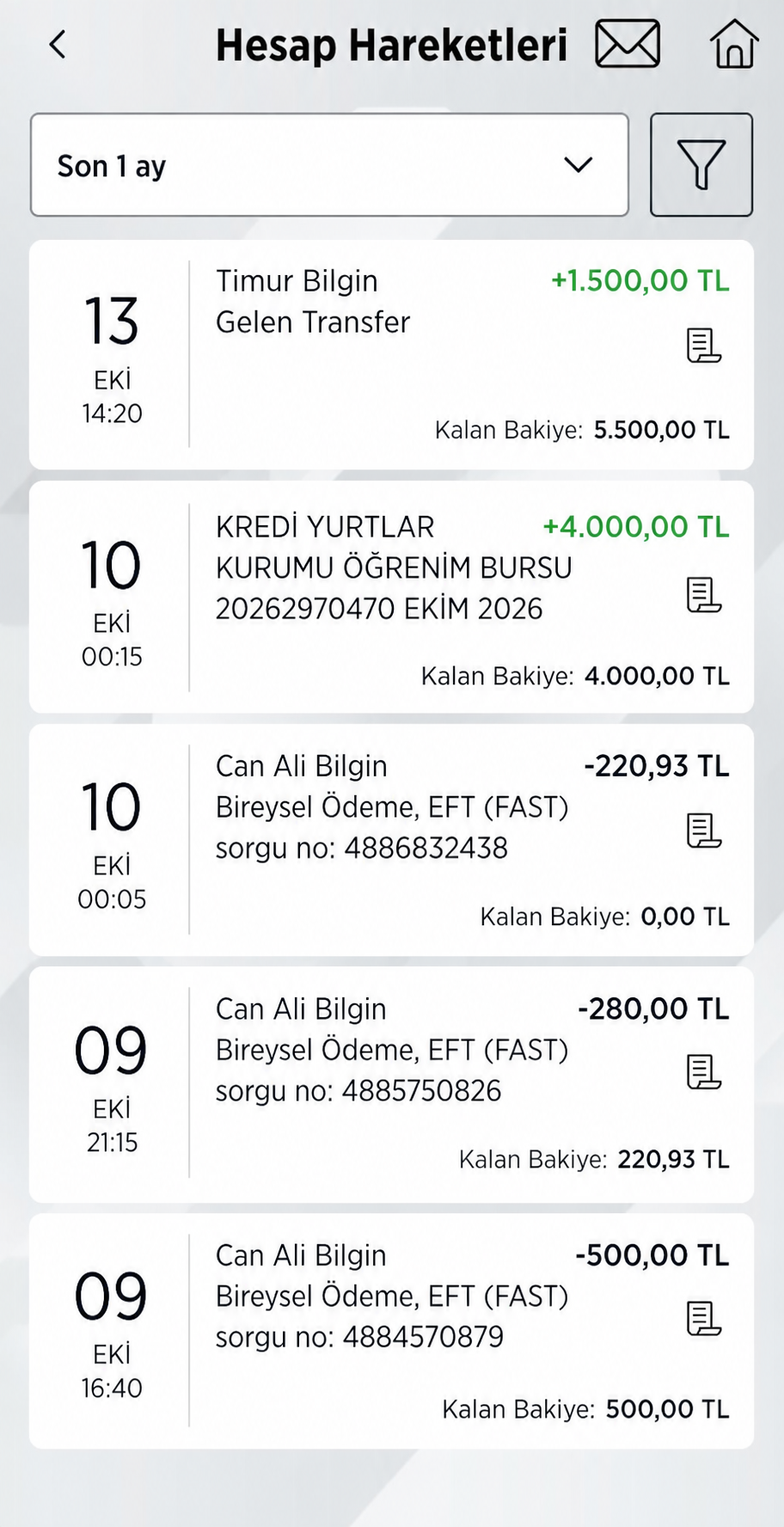
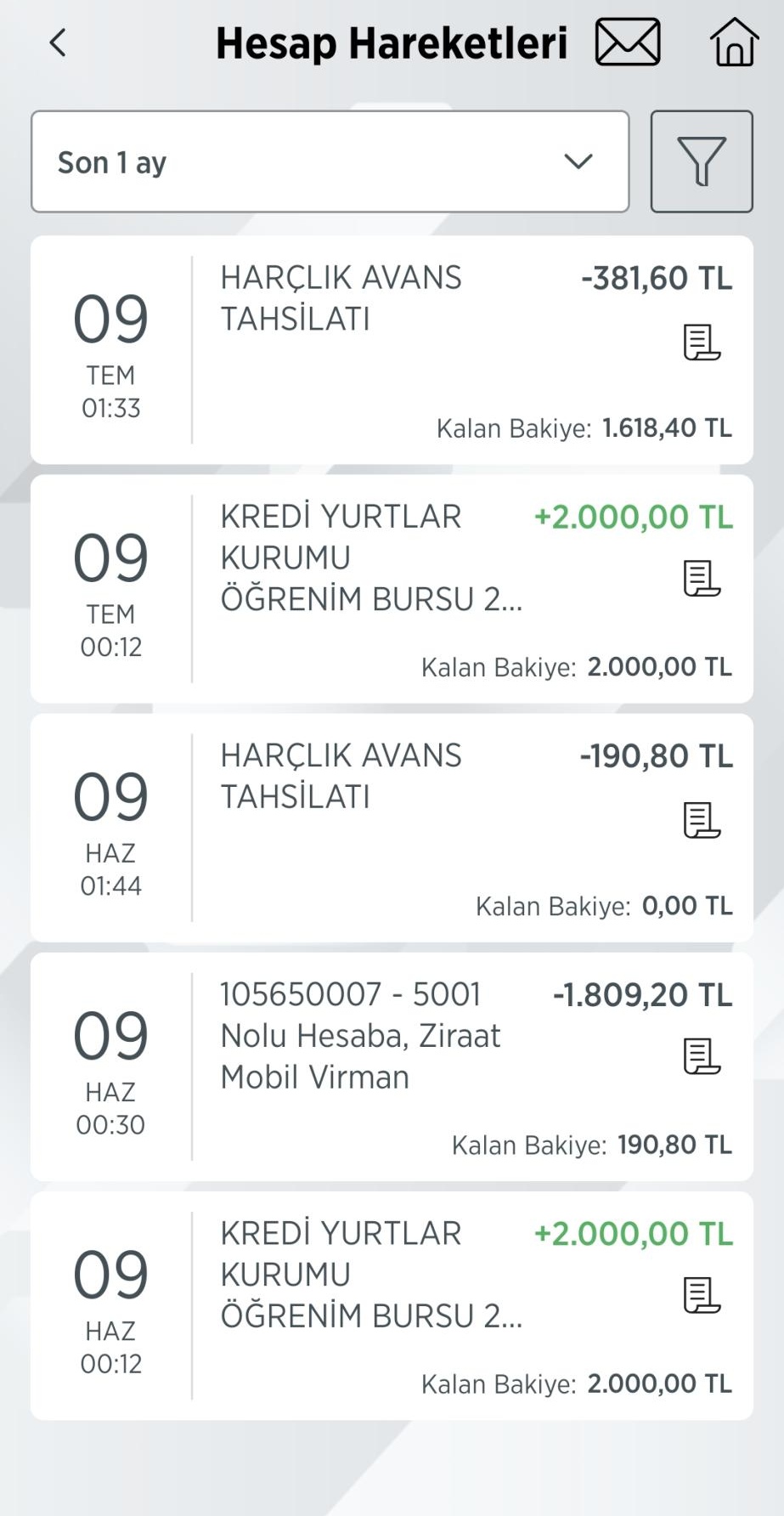
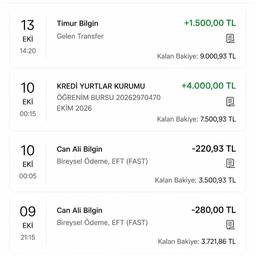
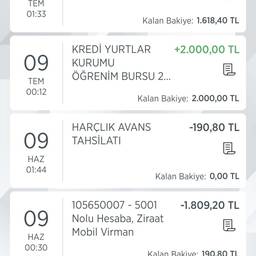
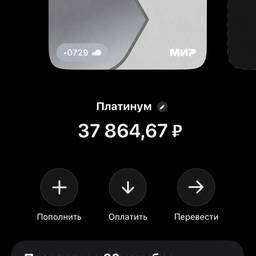
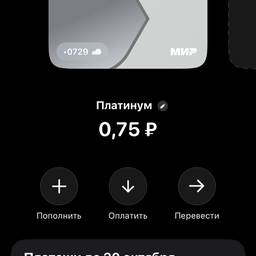
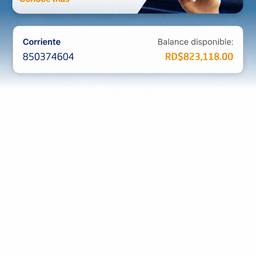
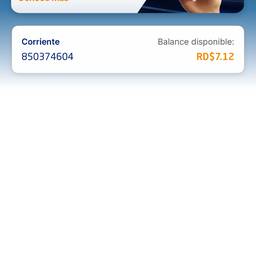
Edit the banking app screenshot to show these 5 transactions in order from top to bottom: 1. 13/EKİ/14:20 — Timur Bilgin, Gelen Transfer — +1.500,00 TL (green) — Kalan Bakiye: 5.500,00 TL 2. 10/EKİ/00:15 — KREDİ YURTLAR KURUMU ÖĞRENİM BURSU 20262970470 EKİM 2026 — +4.000,00 TL (green) — Kalan Bakiye: 4.000,00 TL 3. 10/EKİ/00:05 — Can Ali Bilgin, Bireysel Ödeme, EFT (FAST) sorgu no: 4886832438 — -220,93 TL (dark gray) — Kalan Bakiye: 0,00 TL 4. 09/EKİ/21:15 — Can Ali Bilgin, Bireysel Ödeme, EFT (FAST) sorgu no: 4885750826 — -280,00 TL (dark gray) — Kalan Bakiye: 220,93 TL 5. 09/EKİ/16:40 — Can Ali Bilgin, Bireysel Ödeme, EFT (FAST) sorgu no: 4884570879 — -500,00 TL (dark gray) — Kalan Bakiye: 500,00 TL Keep the same banking app style, colors, and layout. Each transaction should show date/time on left, description in middle, amount top-right, balance bottom-right.
More like this