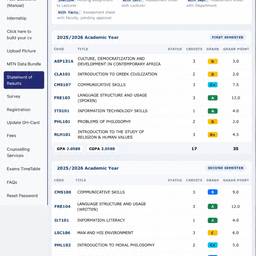
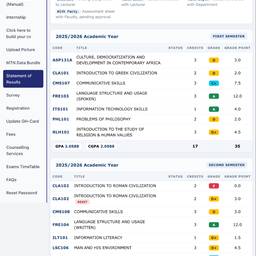
Edit Academic Grades Screenshot
change semester grades with aiedit university results screenshot aiedit grades in screenshot aiedit student portal screenshot ai
Prompt
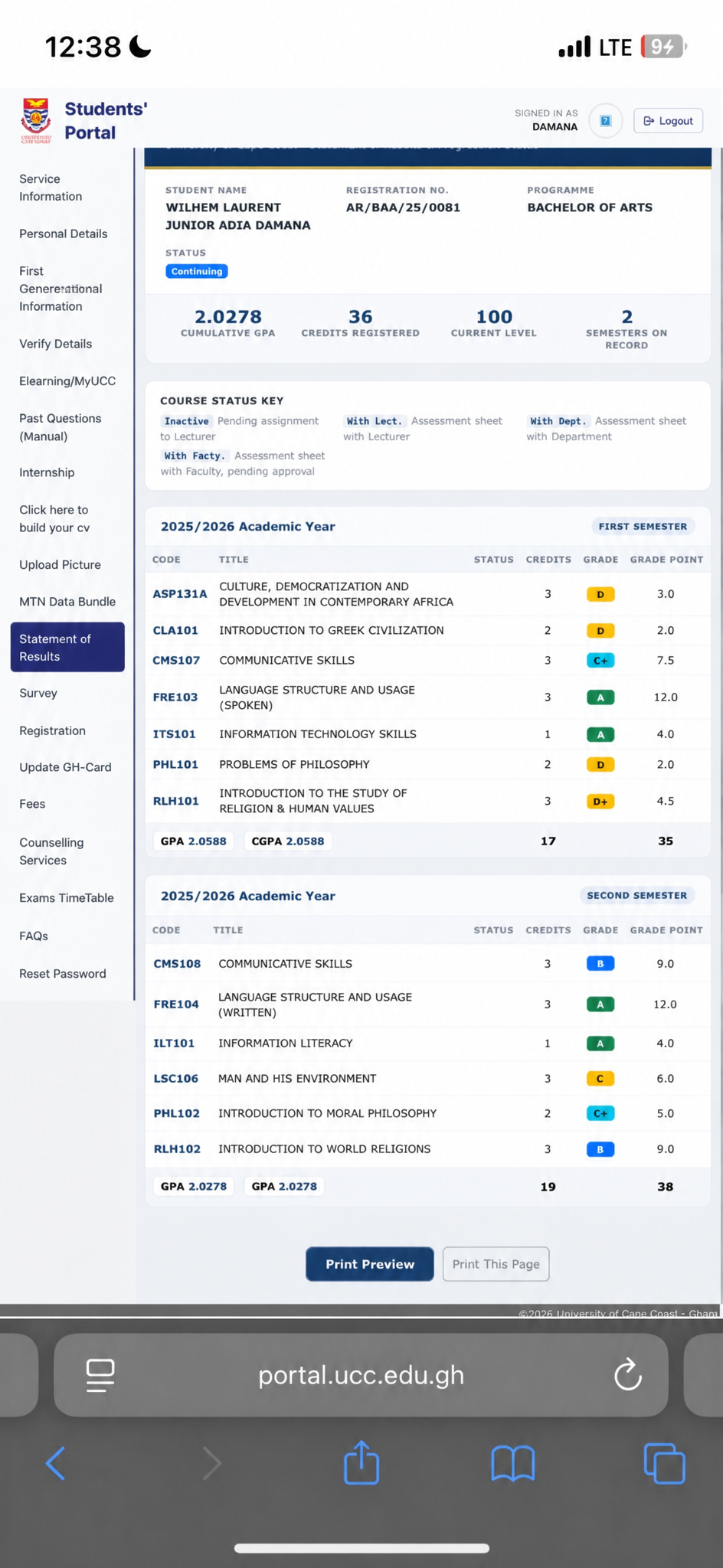
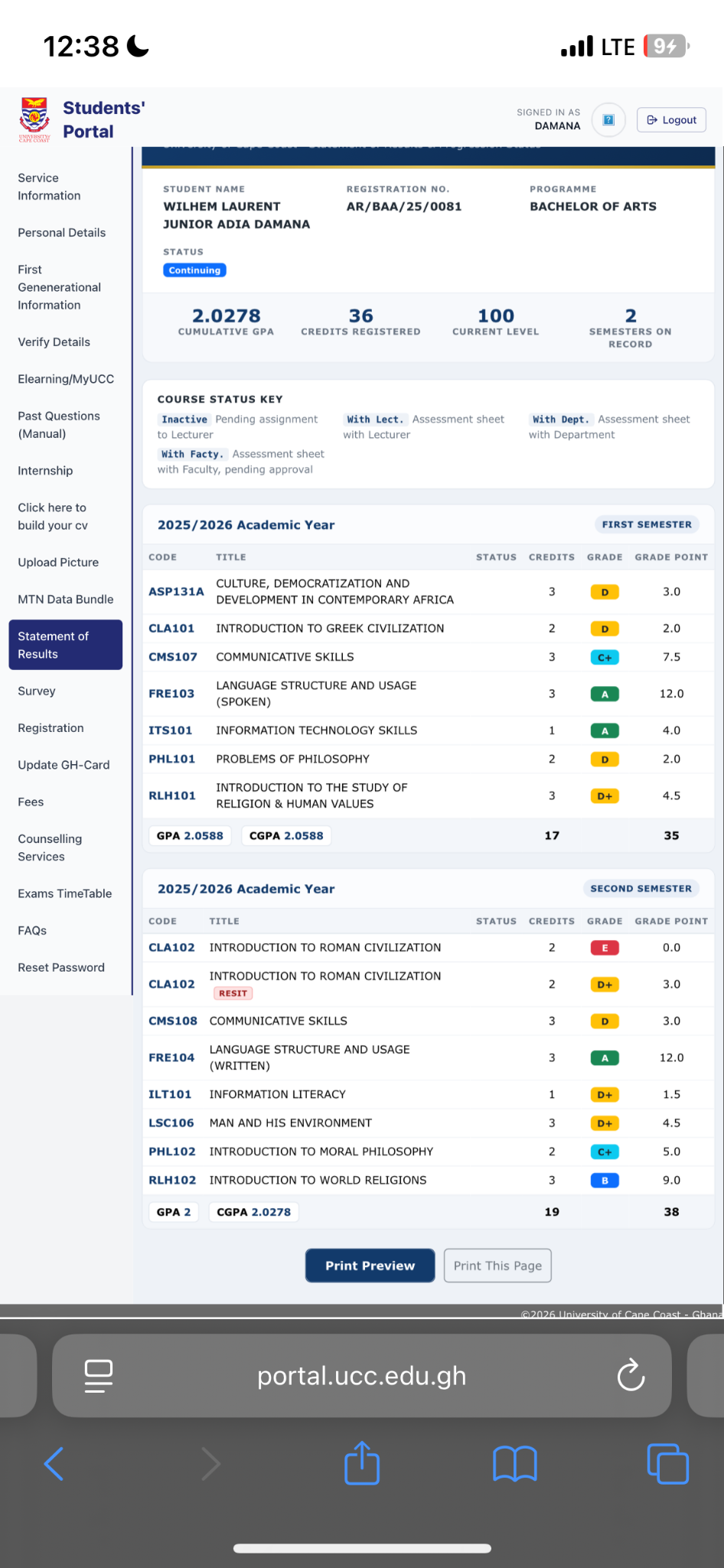
Edit this screenshot of academic results. In the second semester section: 1) Remove the first CLA 102 row entirely. 2) Change the second CLA 102 grade to C+. 3) Change CMS 108 grade to B. 4) Change ILT 101 grade to A. 5) Change LSC grade to C. Use the same color coding as the existing grades (green for A, blue for B, yellow for C+, etc.). Keep all other content exactly the same.
More like this