Professional Team Photo Edit
remove background from photo aimake team photo look professional airearrange people in group photo aiclean background for team photo ai
Prompt
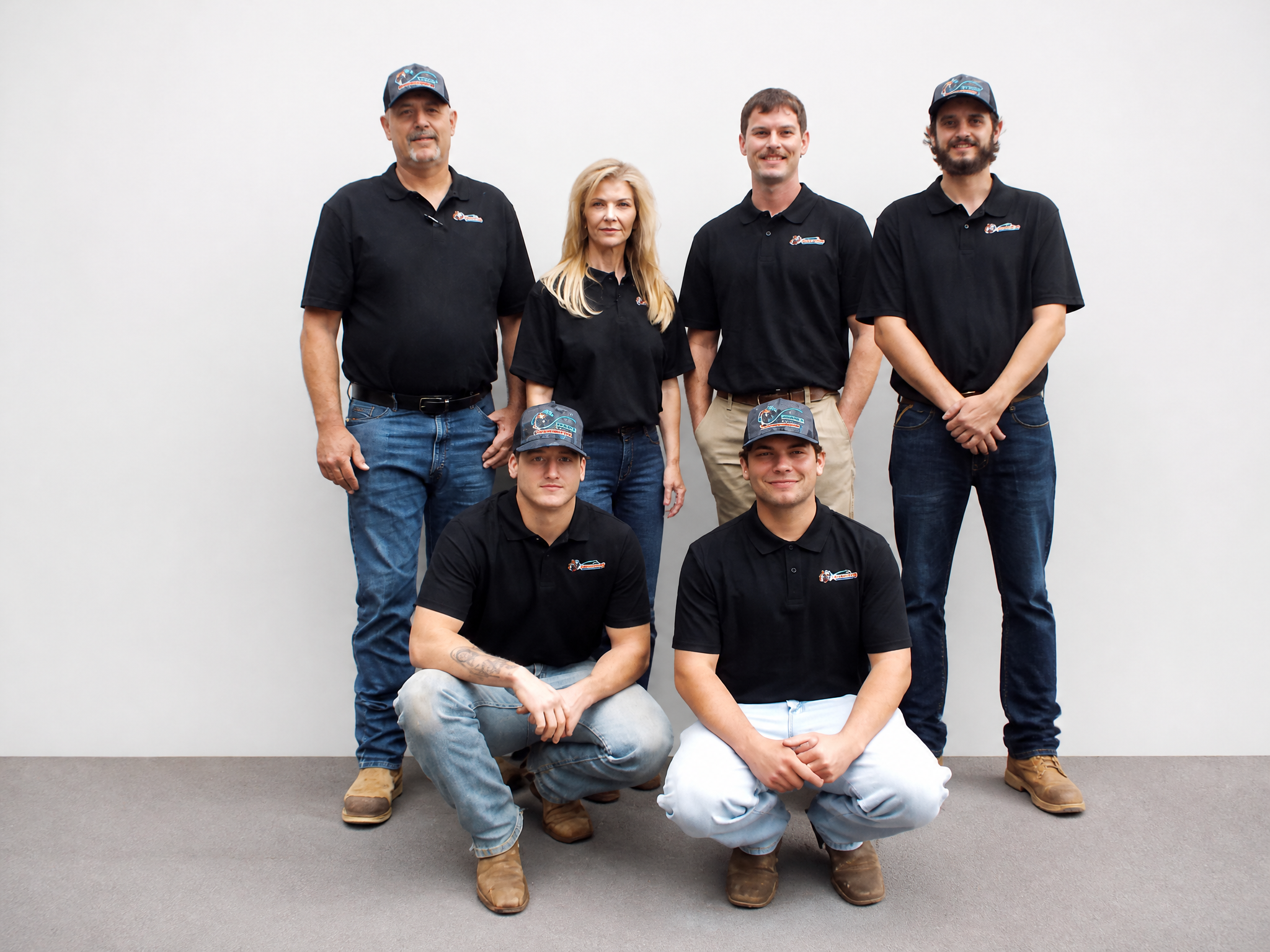
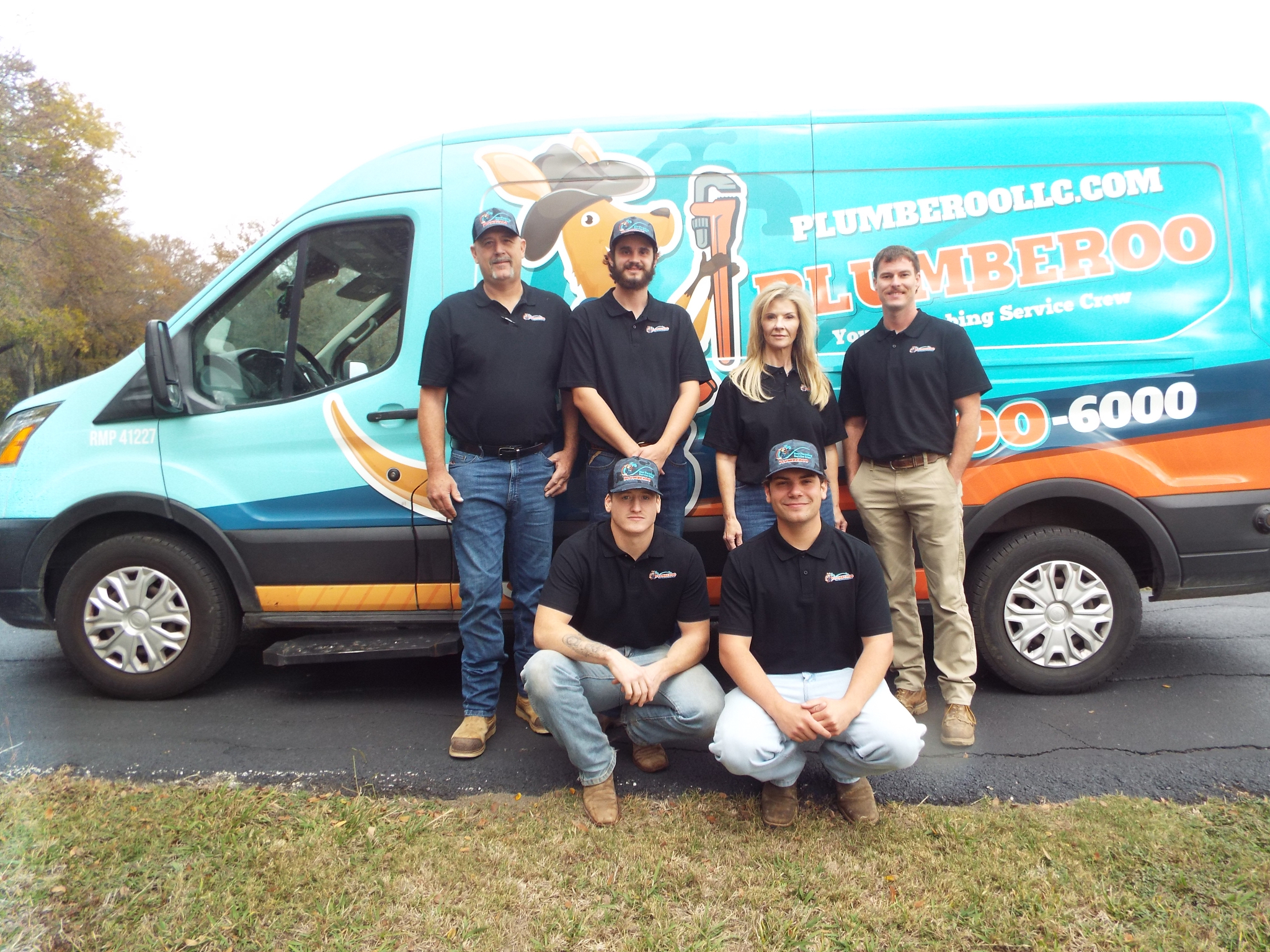
Edit the group photo of six people in black shirts. Rearrange the lineup: move the bearded man to the far right end where the man in khaki pants currently stands. Move the blonde man and the man in khaki pants one position to the left (down one space). Remove the blue van background and replace with a clean white or light solid color background, making it a professional business photo. Do not alter any person's face, skin, hair, or body. Do not add or duplicate any subjects. Preserve all facial details, clothing details, and natural edges perfectly.
More like this