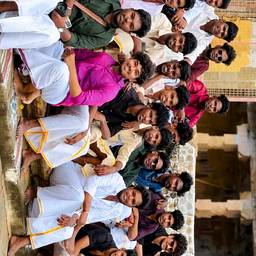
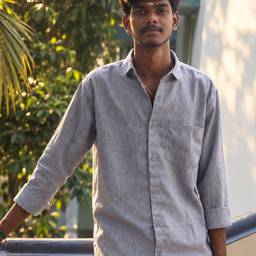
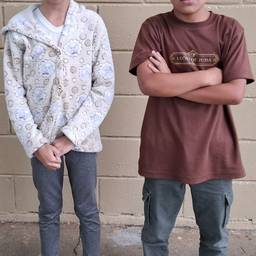
Seamless Group Photo Insert
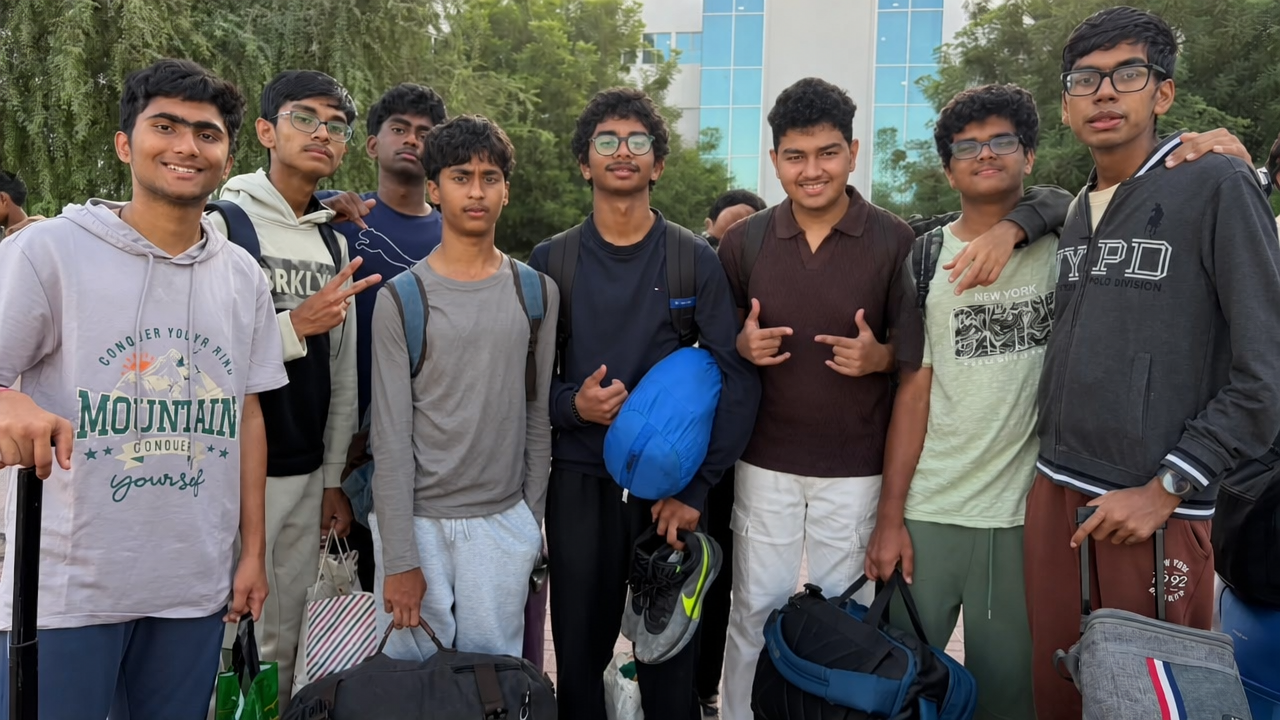
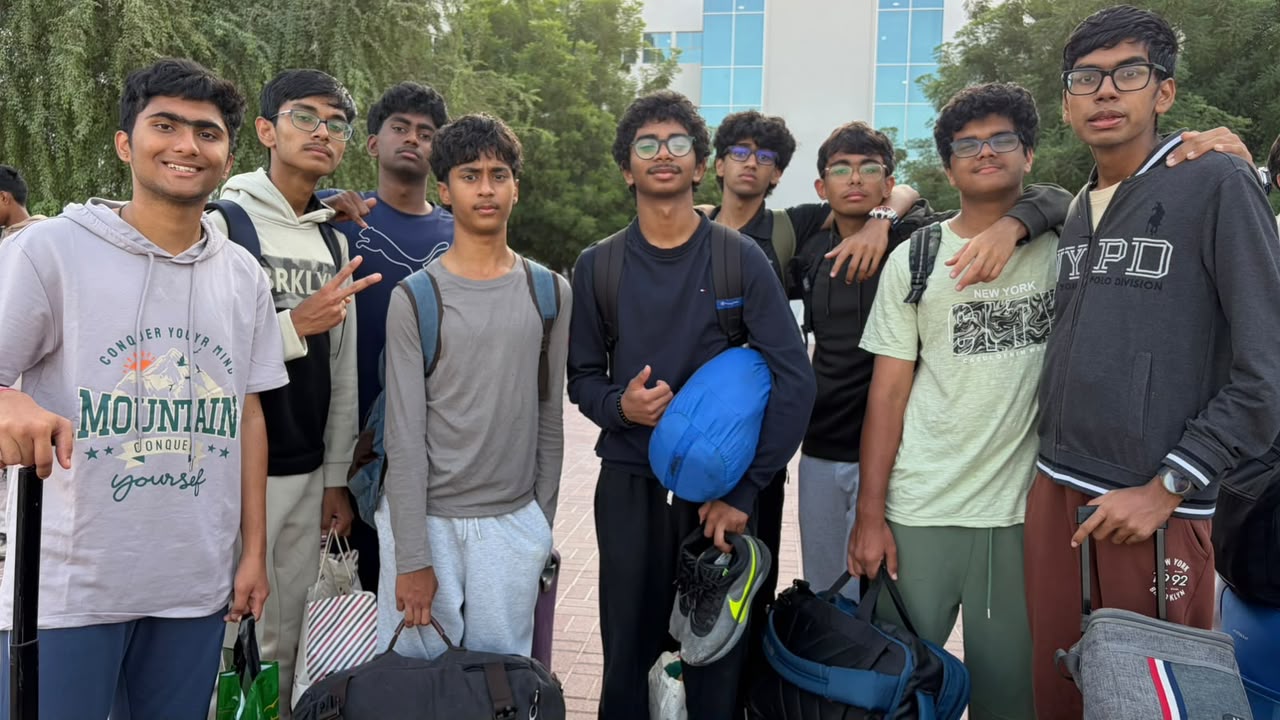
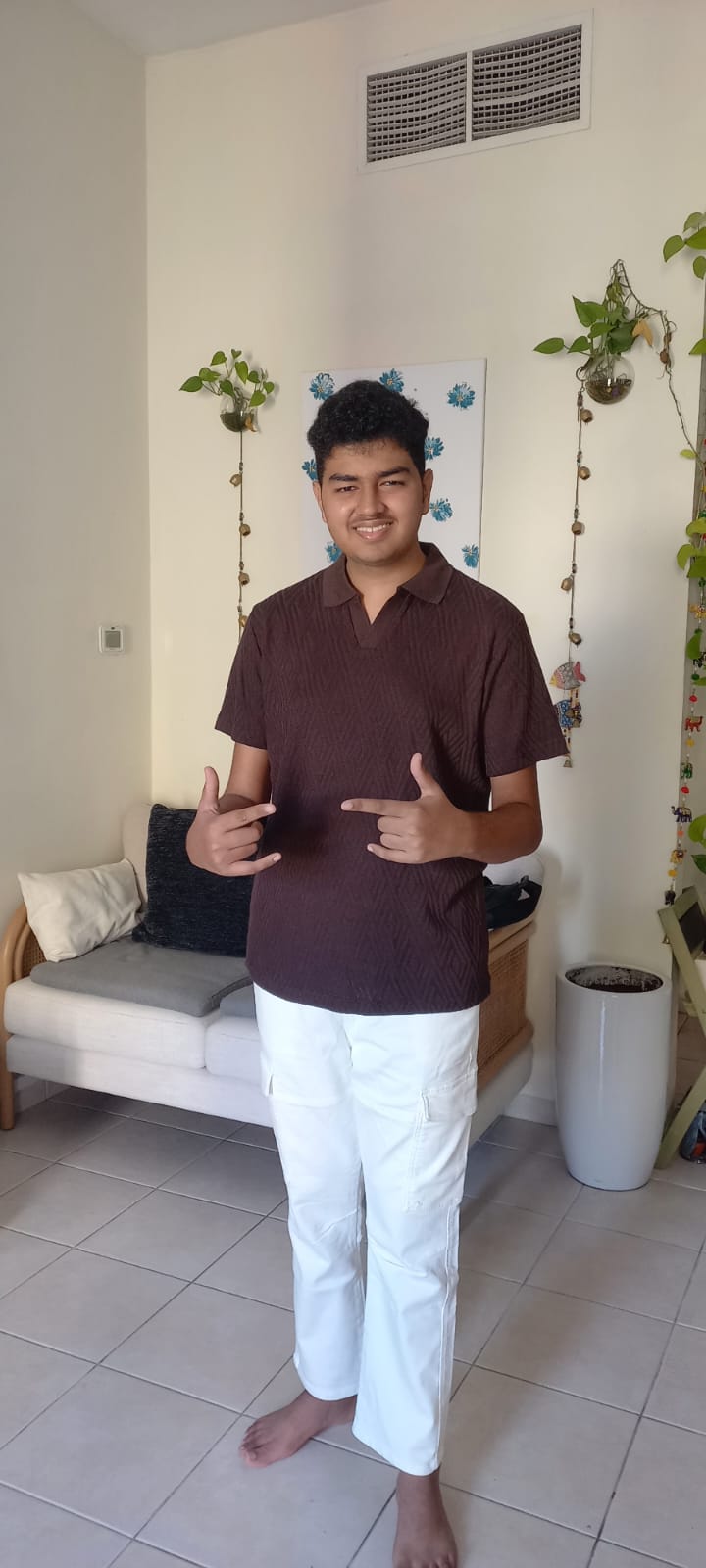
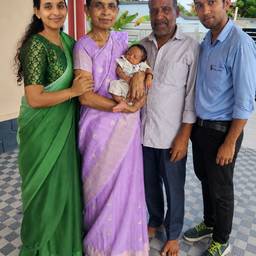
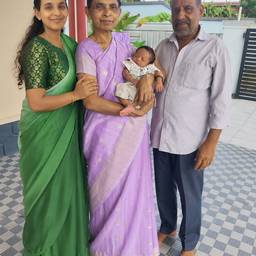
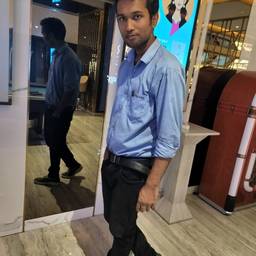
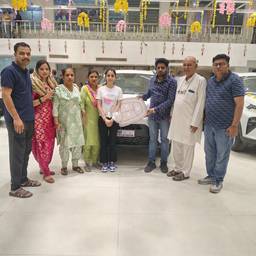
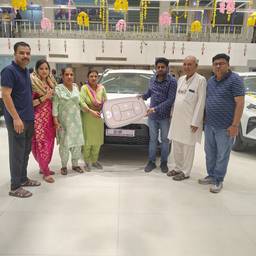
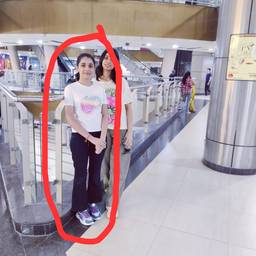
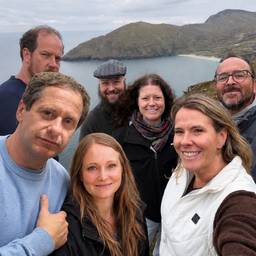
Insert the person from the second image into the first group photo. Place the person between the man in gray long-sleeve shirt (center front) and the man in light green T-shirt (right side). Match the person's scale, body proportions, camera angle, and perspective to the group. Convert the indoor lighting from the source to natural outdoor daylight matching the group photo. Adjust shadows, highlights, color temperature, and contrast so the person looks like they were photographed at the same location and time. Keep the person's face, hairstyle, and dark brown shirt recognizable. Slightly reduce the brightness of the white pants so they blend naturally. Add a subtle backpack strap over one shoulder. Create realistic overlap with nearby people, natural edge blending, accurate depth of field, and consistent sharpness. Remove all signs of indoor background. Photorealistic, seamless compositing, natural colors, no distortions, no artifacts, no mismatched lighting.
More like this