グループ写真に人物を追加する
プロンプト
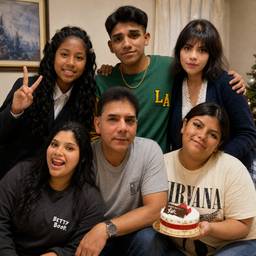
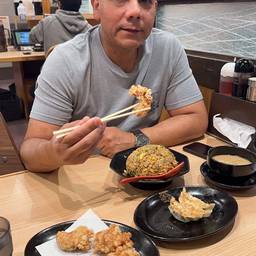
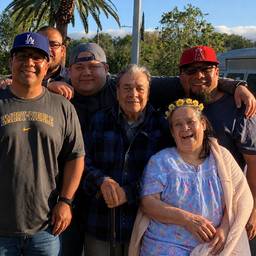
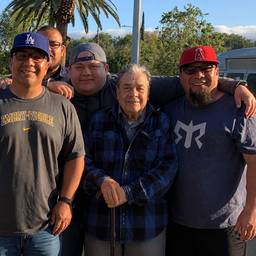
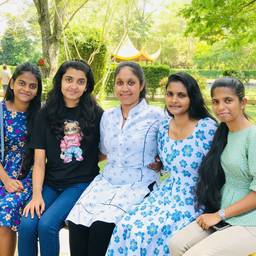
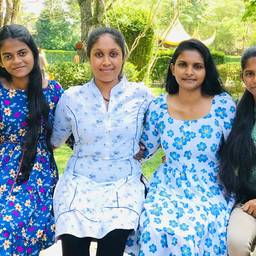
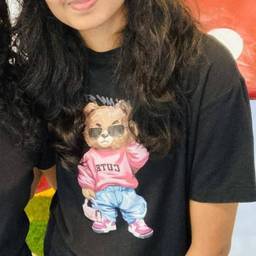
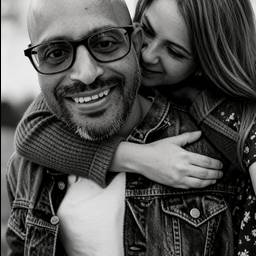
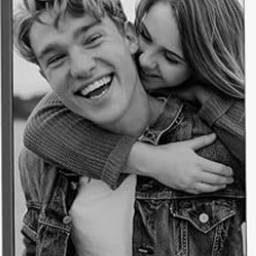
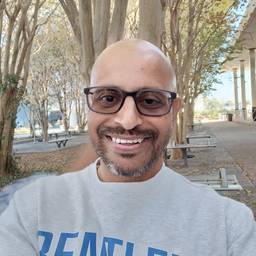
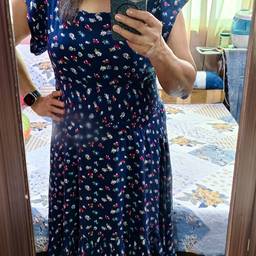
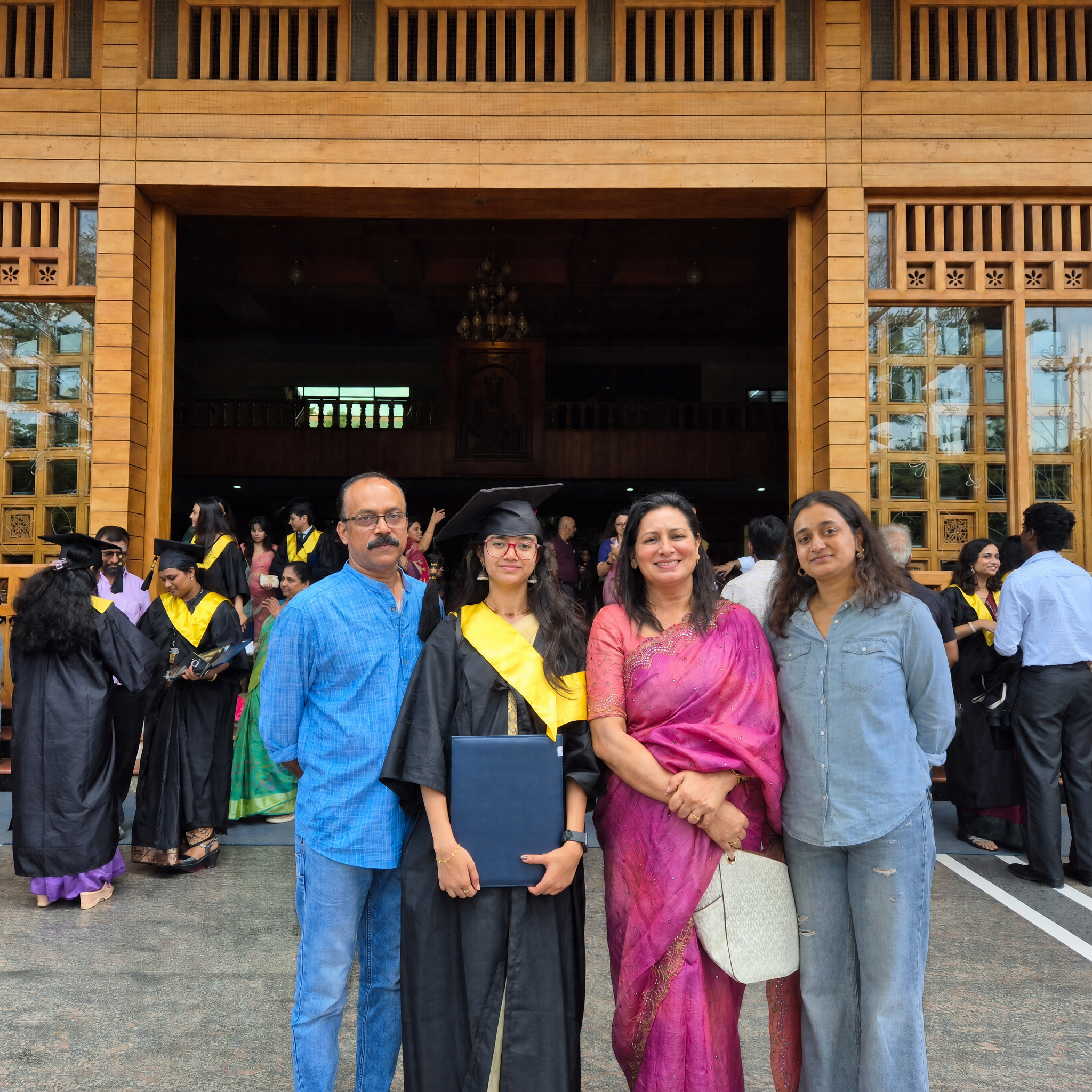
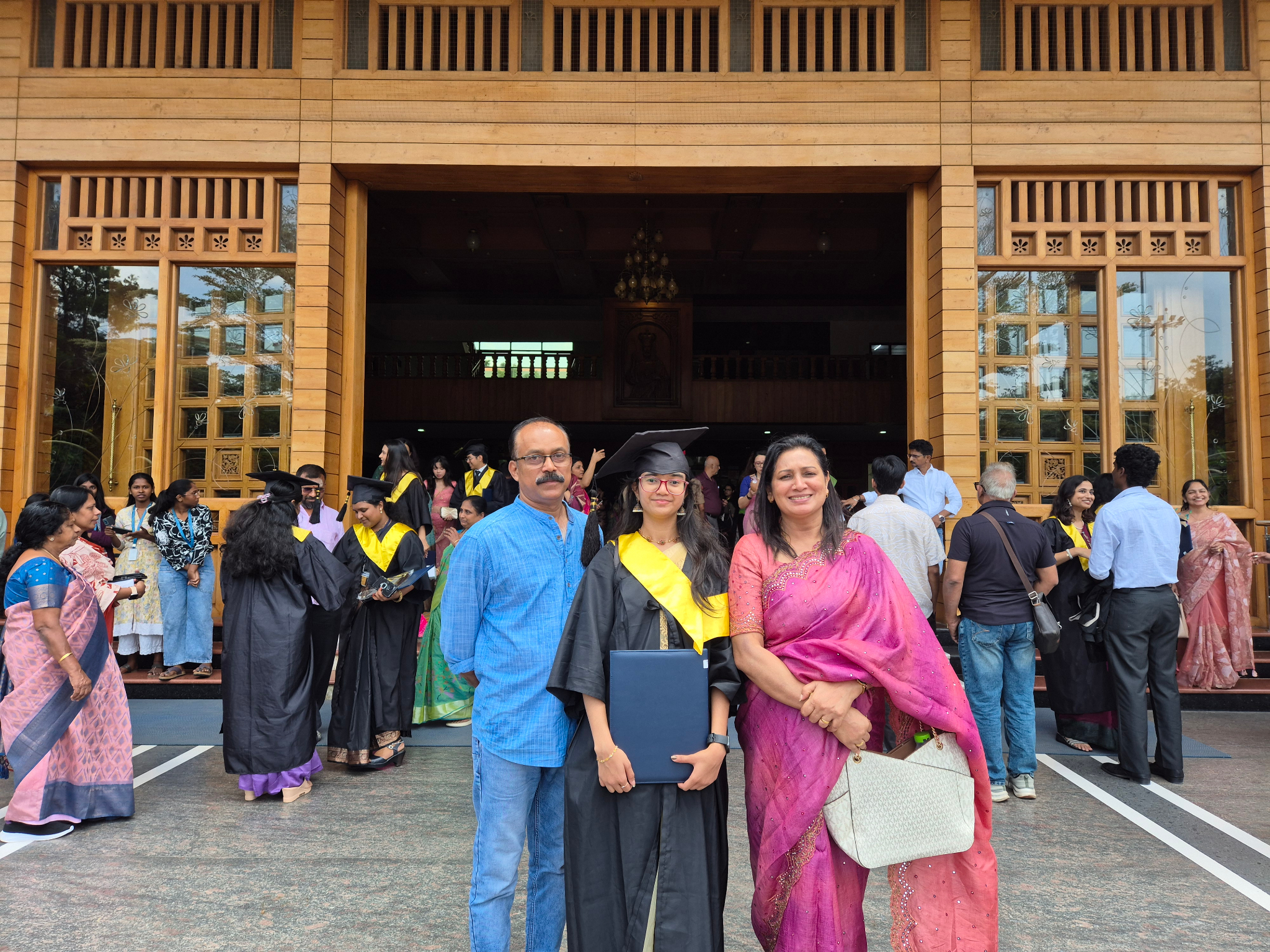
Insert the person from Figure 1 (wearing a light blue denim shirt) naturally on the right side of the group photo, standing beside the lady in pink saree. Keep the lighting, background, facial direction, body scale, color tone, and shadows exactly the same as the original group photo. Realistic, natural result.
似た作品