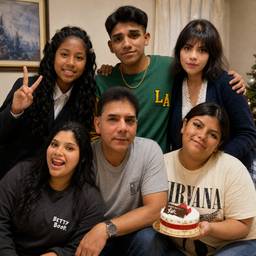
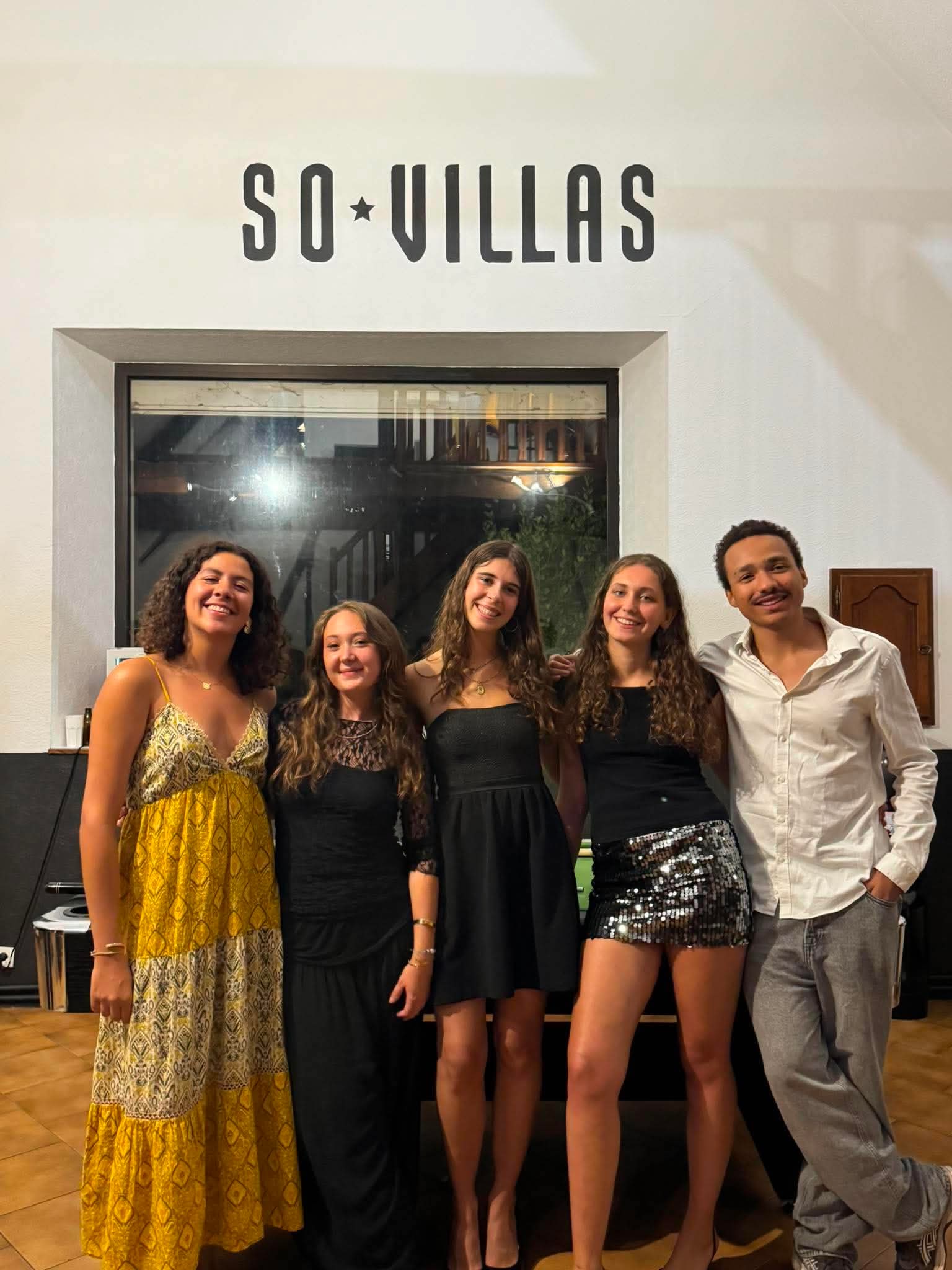
グループ写真に人物を追加する

プロンプト
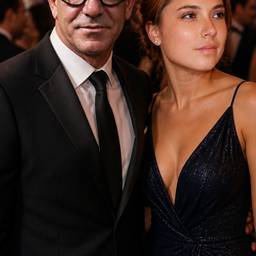
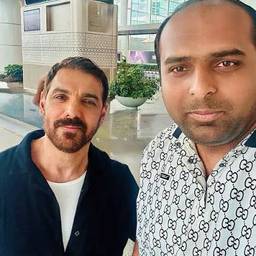
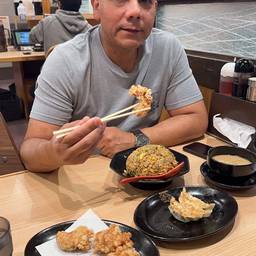
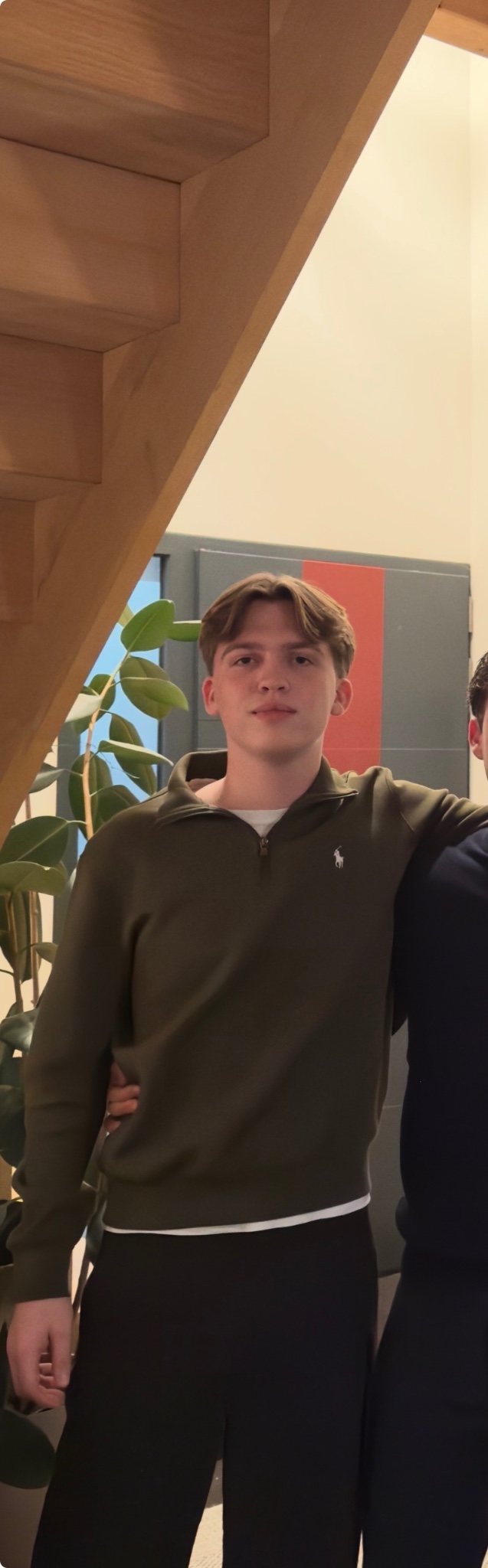
Add the person from the individual photo (Figure 2) into the group photo where the red circle is. Place them naturally standing in the group. Keep their face, head, and appearance exactly the same without any changes. Make it look realistic and natural, matching the lighting and style of the group photo. Do not modify the person's face or features.
似た作品