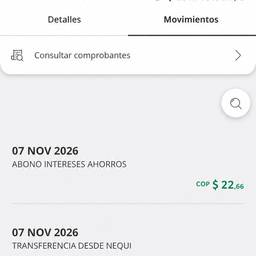
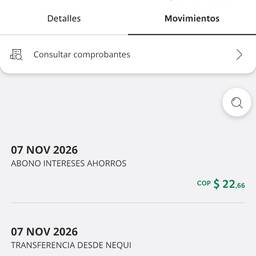
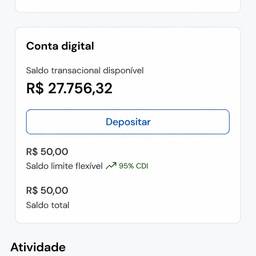
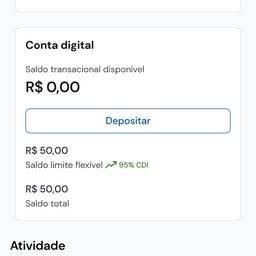
銀行アプリの取引編集
プロンプト
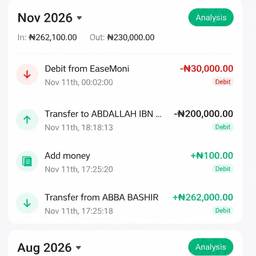
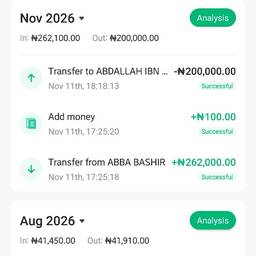
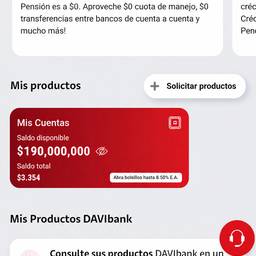
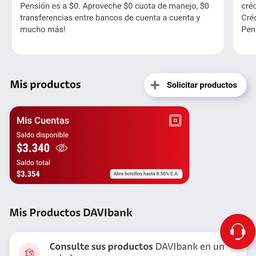
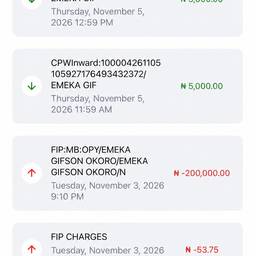
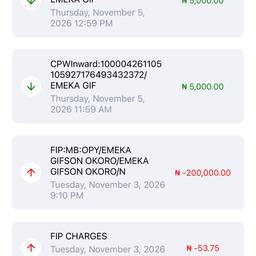
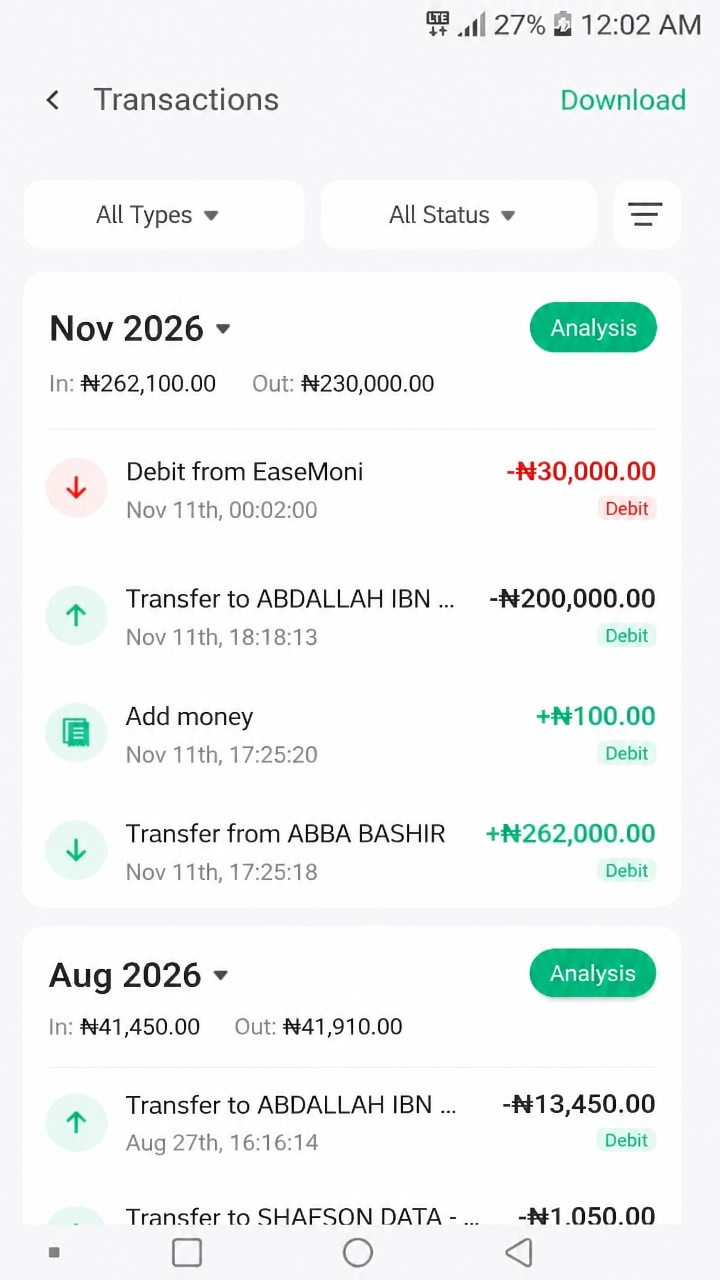
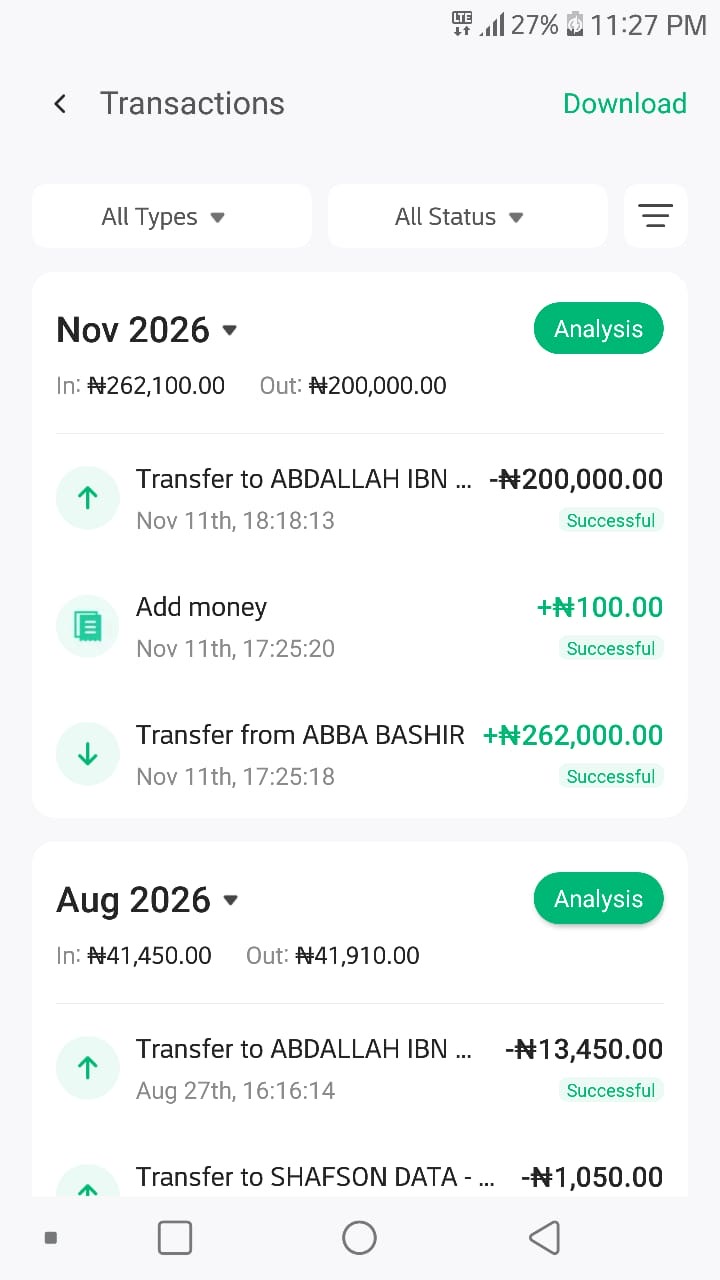
Edit this mobile banking app screenshot. Add a new latest transaction at the top: a debit of ₦30,000 from EaseMoni. Instead of the word 'Successful', write 'Debit' in red color. Change the phone's status bar time to 12:02 AM. For the transaction time, show 0002 instead of 12:02. Make this the newest/latest transaction in the list.
似た作品