スクリーンショットの名前を編集
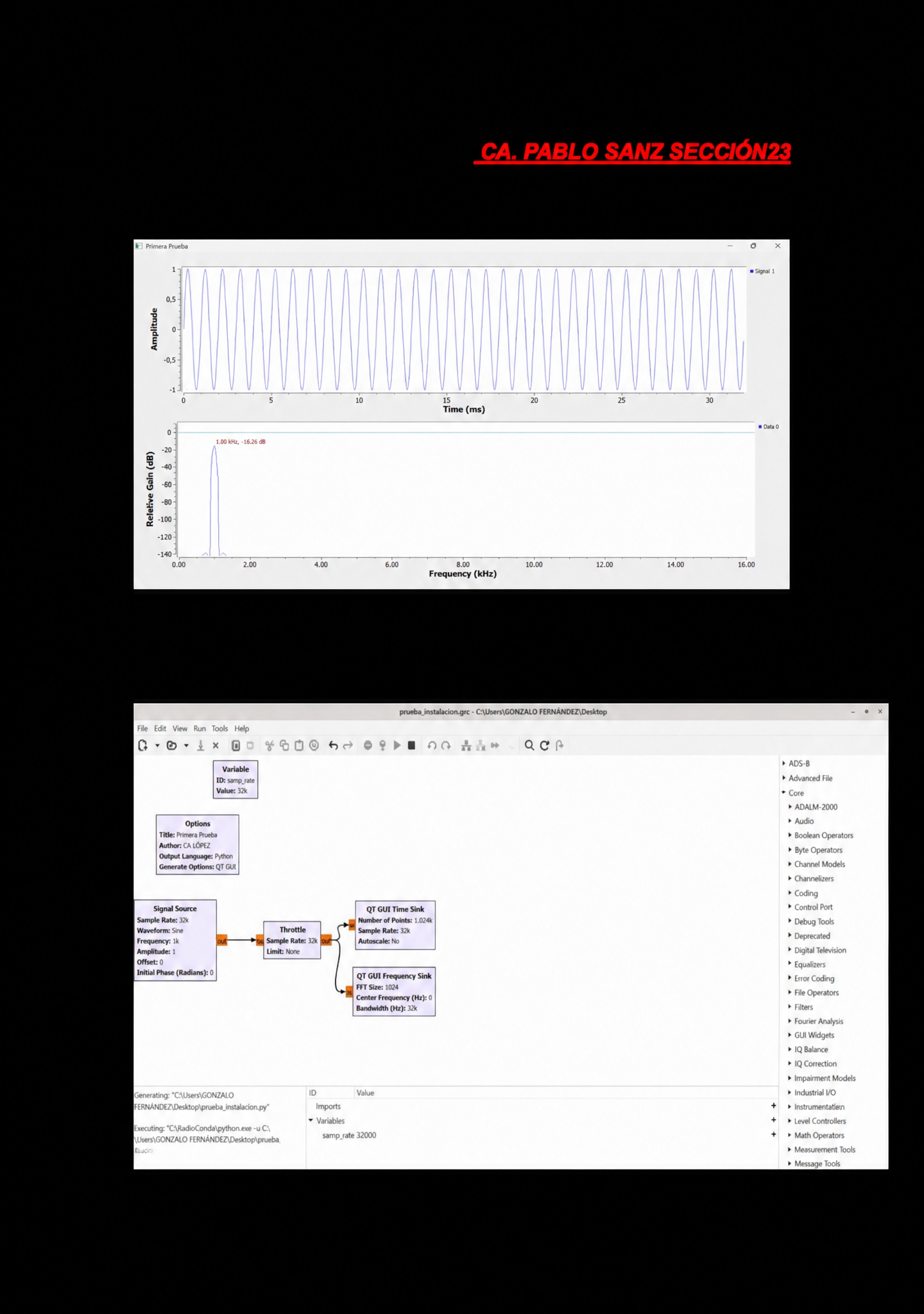
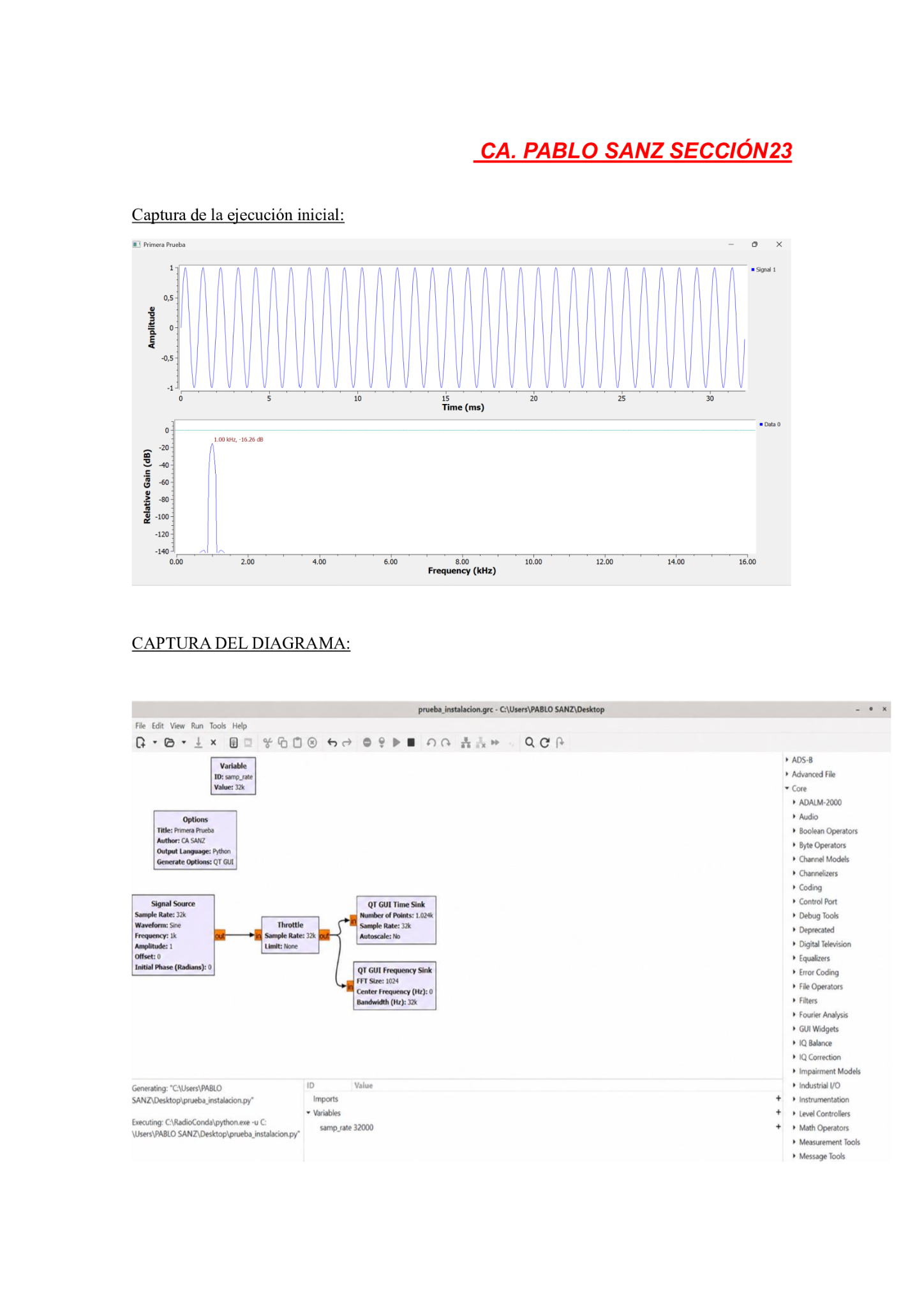
スクリーンショットのテキストを変更 aiフォントを変えずにスクリーンショットのテキストを編集 aiレイアウトを変えずにスクリーンショットのテキストを編集 aiフォトショなしでスクリーンショットの名前を変更 ai
プロンプト
Edit the screenshot image: In the top-right area where it says 'users', change the name next to it to 'GONZALO FERNÁNDEZ'. In the 'options' box where it says 'author' on the right side, change it to 'CA LÓPEZ'. Where it says 'executing' next to 'users', change the name to 'GONZALO FERNÁNDEZ'. Where it says 'generating' next to 'users', change the name to 'GONZALO FERNÁNDEZ'. Do not make any text bold. Keep everything else exactly the same. Only make these specific text changes.
似た作品