Add Confirmation Message To Screenshot AI
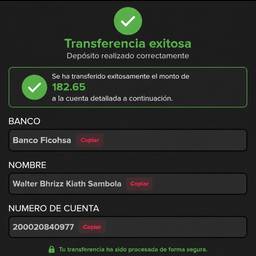
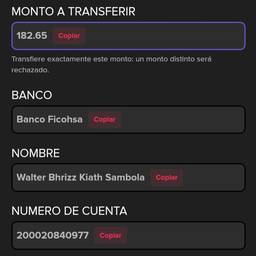
Add a clear confirmation message to any screenshot with AI. Put “Order confirmed” on a checkout screenshot for a customer, add “Payment received” to a bank transfer capture, or place “Appointment booked” on a calendar shot. Make the next step obvious at a glance. See examples below.
Try It FreeBefore & After
Community Examples