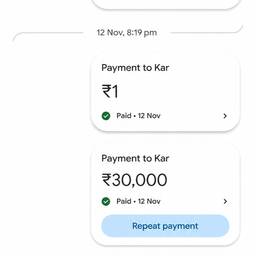
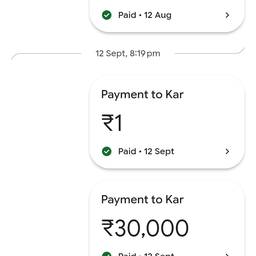
Add Payment Entry To Screenshot AI
Add a payment entry to any screenshot with AI. Mark a missing transaction on a bank app screenshot, add a payment reference to a receipt capture for your expense report, or note a paid invoice on a confirmation screen. Keep your records clear and complete. See examples below.
Try It FreeBefore & After
Community Examples