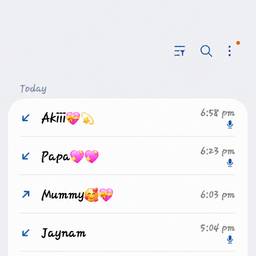
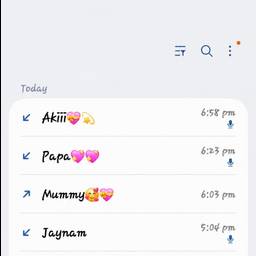
Change Arrow Direction In Screenshot AI
Change arrow direction in any screenshot with AI. Flip a right-pointing arrow in a tutorial so it points left, redirect a callout arrow to a different button in an onboarding guide, or reverse a red arrow in a support screenshot before sending. Fix the point without redrawing the image. See examples below.
Try It FreeBefore & After
Community Examples