Change Date And Time In A Booking Screenshot AI
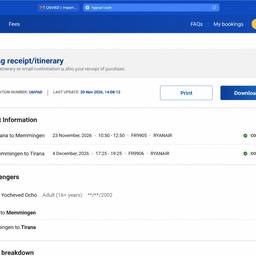
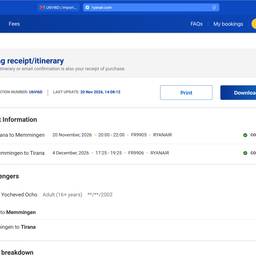
Change the date and time in a booking screenshot with AI. Update a hotel confirmation for a rescheduled stay, fix a flight itinerary screenshot after a time change, or correct a restaurant reservation from 7 pm to 8 pm. Make your booking proof match your new plans. See examples below.
Try It FreeBefore & After
Community Examples