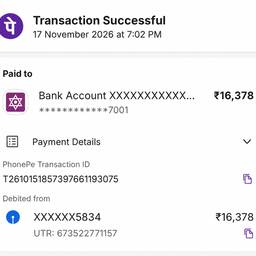
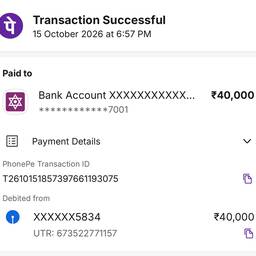
Change Date And Time In A Payment App Screenshot AI
Change the date and time in a payment app screenshot with AI, so the timestamp matches your records. Fix a receipt that shows last month's date, adjust a transfer confirmation stamped 3:00 AM, or line up a payment proof with the right time zone. Keep every screenshot consistent. See examples below.
Try It FreeBefore & After
Community Examples