Change Date In A Screenshot AI
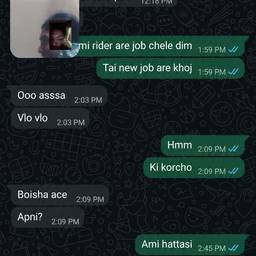
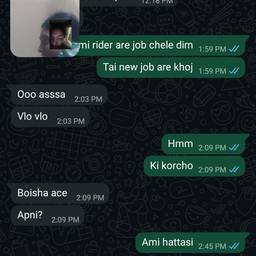
Change the date in a screenshot with AI in seconds. Fix a wrong date on a booking confirmation for a design mockup, update a date on a tutorial screenshot, or correct a typo on a dated project timeline image. Keep your screenshots accurate and ready to share. See examples below.
Try It FreeBefore & After
Community Examples