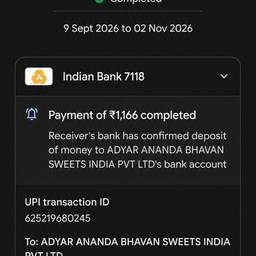
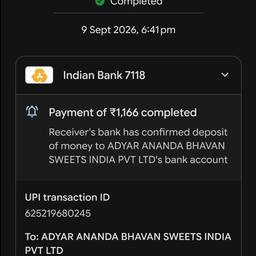
Change Date Range In Screenshot AI
Change the date range in a screenshot with AI so the shown period matches what you need. Update a sales dashboard from Jan 1–31 to Feb 1–28, switch a booking confirmation to next weekend, or fix a monthly report to show Q1 instead of Q2. Keep numbers and layout intact. See examples below.
Try It FreeBefore & After
Community Examples