Change Dates In An Email Screenshot AI
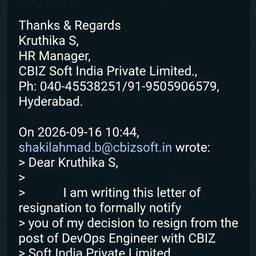
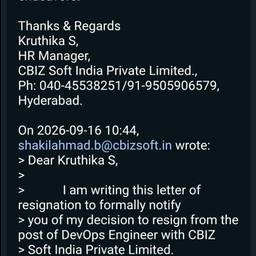
Change dates in an email screenshot with AI. Update a delivery confirmation from March 3 to March 5, fix a booking receipt that shows the wrong check-in day, or correct a payment reminder before sharing it. Keep every date looking clean and believable. See examples below.
Try It FreeBefore & After
Community Examples