Change Financial Year In Document AI
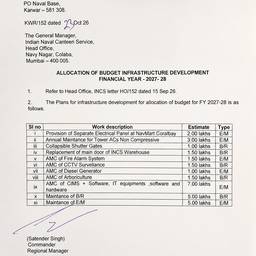
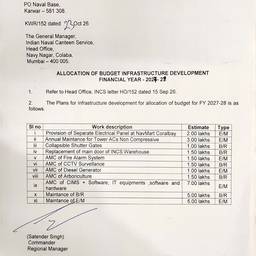
Change the financial year in your document with AI in seconds. Swap “FY2022” for “FY2023” on an annual report cover, update the year in a profit-and-loss statement, or correct fiscal-year dates in a board summary. Keep every report consistent without retyping. See examples below.
Try It FreeBefore & After
Community Examples