Change Flight Time In Screenshot AI
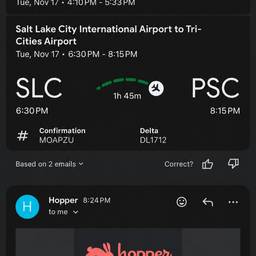
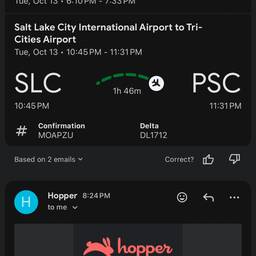
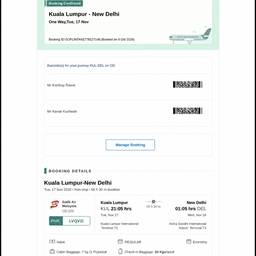
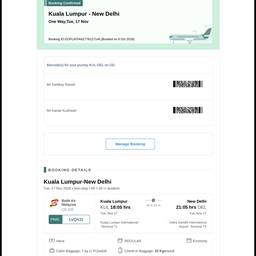
Change the flight time on a screenshot with AI in seconds. Fix a boarding pass that shows 6:40 a.m. to read 2:15 p.m., update the arrival time on a booking app itinerary, or adjust the departure time on a trip confirmation you are sending a friend. Share a clean, believable screenshot. See examples below.
Try It FreeBefore & After
Community Examples