Change Payment Status In A Screenshot AI
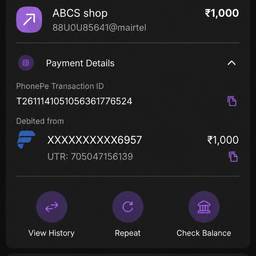
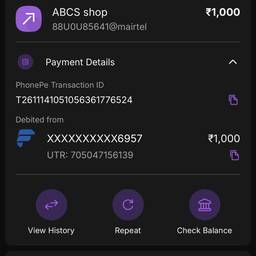
Change the payment status in a screenshot with AI in seconds. Switch 'Pending' to 'Paid' on a mock checkout page for a design review. Turn 'Failed' into 'Completed' on a sample invoice for a tutorial. Update 'Unpaid' to 'Refunded' on a test screenshot for a support guide. See examples below.
Try It FreeBefore & After
Community Examples