Change Payment Status In Mobile Screenshot AI
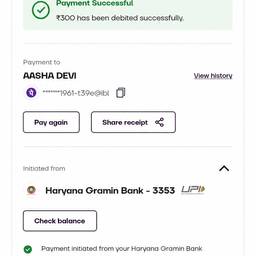
Change the payment status shown in a mobile screenshot with AI. Update a “Pending” label to “Paid” in an app mockup for a client demo. Switch “Failed” to “Refunded” in an app test image. Turn “Unpaid” into “Paid” in a tutorial shot. Use it for mockups, not as real payment proof. See examples below.
Try It FreeBefore & After
Community Examples