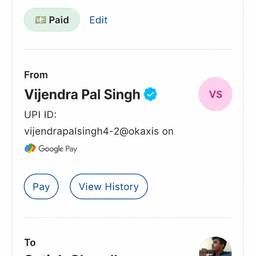
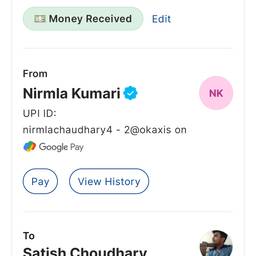
Change Payment Status To Paid In One Click AI
Mark any payment as paid in one click with AI. After a client pays by bank transfer, set their invoice to paid. After a cash-on-delivery order is delivered, clear the pending balance. After a subscription renewal comes through, close the unpaid reminder. Stop digging through menus to update payment status. See examples below.
Try It FreeBefore & After
Community Examples