Change Payment Value In Screenshot AI
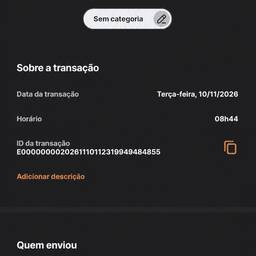
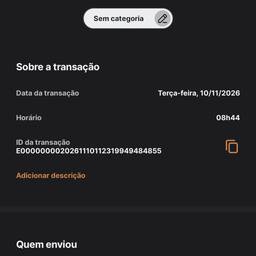
Change the payment value in a screenshot with AI. Update the total on a checkout demo, swap the amount on a mock receipt for a client review, or replace a sample price on a payment confirmation screen for a tutorial. Keep your visuals matching your test data without starting over. See examples below.
Try It FreeBefore & After
Community Examples