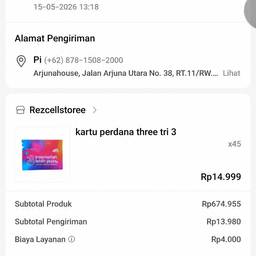
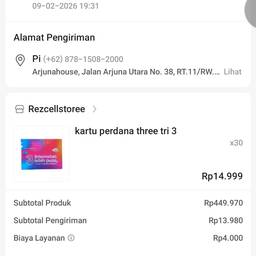
Change Quantity In Order Screenshot AI
Change the quantity in an order screenshot with AI in seconds. Turn “Qty 1” into “Qty 3” on an online store receipt, update “2x” to “5x” on a restaurant order screenshot, or fix the item count on a packing slip. Make the order details match your record without a messy edit. See examples below.
Try It FreeBefore & After
Community Examples