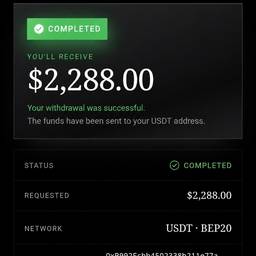
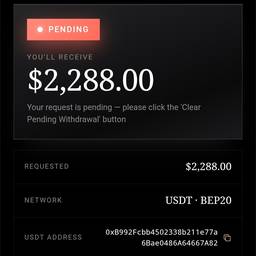
Change Status In App Screenshot AI
Change the status shown in any app screenshot with AI. Update a food delivery screenshot from “Preparing” to “On the way,” switch a chat app status from “Away” to “Available” for a mockup, or change “Draft” to “Published” in a blog app screenshot. Make old screenshots match your current story. See examples below.
Try It FreeBefore & After
Community Examples