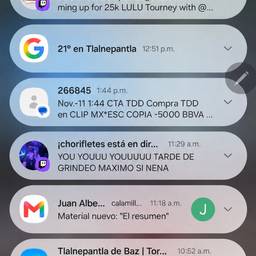
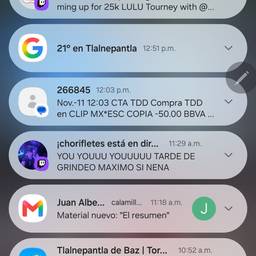
Change Time In Notification Screenshot AI
Change the time in a notification screenshot with AI. Make a text-message banner show 7:45 AM for a morning post, set a missed-call alert to 2:30 PM in a mockup, or fix the clock on a chat notification so it matches your story. Keep the rest of the screenshot looking untouched. See examples below.
Try It FreeBefore & After
Community Examples