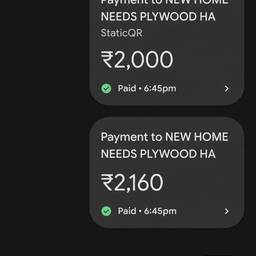
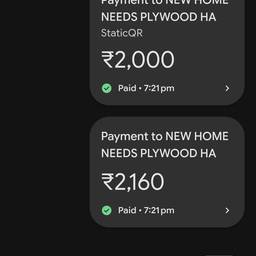
Change Time In Payment History AI
Change the time on a payment history entry with AI. Fix a rent payment that shows 2:00 AM when you paid at 2:00 PM, correct a subscription charge timestamp after a daylight saving switch, or align a client invoice payment time with the bank slip. Keep your records tidy. See examples below.
Try It FreeBefore & After
Community Examples