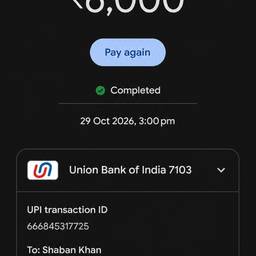
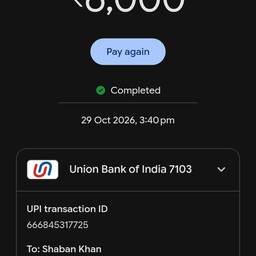
Change Time On Screenshot AI
Change the time on a screenshot with AI in seconds. Fix a chat screenshot that shows 3:47 PM when it should say 9:15 AM, match a booking screenshot to a new time zone, or update a payment confirmation to the correct hour. Keep every screenshot looking right. See examples below.
Try It FreeBefore & After
Community Examples