Correct Date On Invoice AI
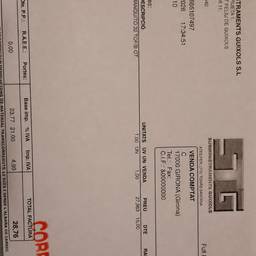
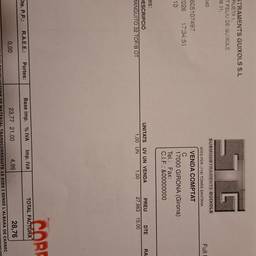
Correct the date on your invoice with AI in seconds. Fix a typo like '2023' instead of '2024', change a due date from the 15th to the 30th, or update a date that's off by a month. Get your invoices looking right without hassle. See examples below.
Try It FreeBefore & After
Community Examples