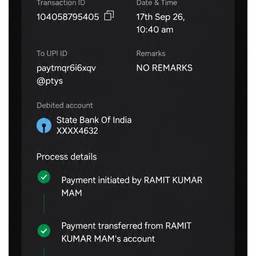
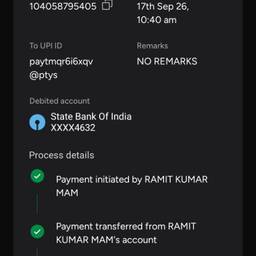
Edit Bhim App Screenshot AI
Edit your BHIM app screenshots with AI in seconds. Blur your UPI ID and phone number before sharing a payment confirmation, crop out the notification bar, or sharpen a QR code screenshot for easy scanning. Keep your payment details private and clear. See examples below.
Try It FreeBefore & After
Community Examples