Edit Invoice Amount In One Click AI
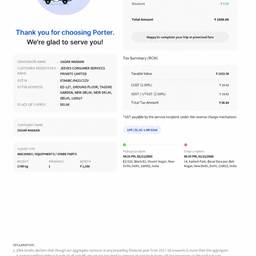
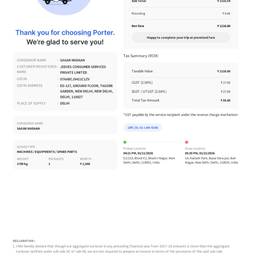
Change the amount on an invoice in one click with AI. Fix a typo in the subtotal on a client bill, update the total after adding a last-minute discount, or correct the amount due on a recurring invoice before you send it. Keep every bill accurate without starting over. See examples below.
Try It FreeBefore & After
Community Examples