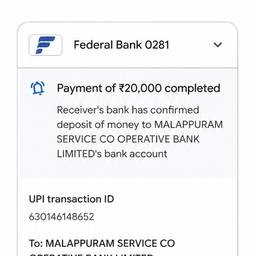
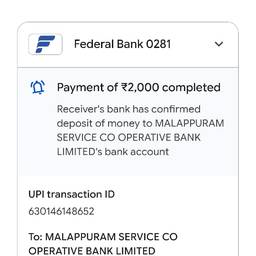
Edit Payment Amount And Time In Screenshot AI
Edit the payment amount and time in a screenshot with AI. Update a test receipt for an app demo, correct the total on a mock invoice for a client presentation, or set the timestamp on a bank transfer sample for a tutorial. Make your screenshots match the moment you need. See examples below.
Try It FreeBefore & After
Community Examples