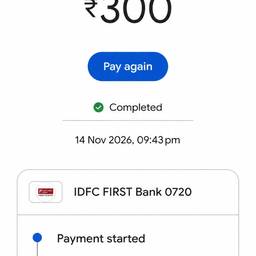
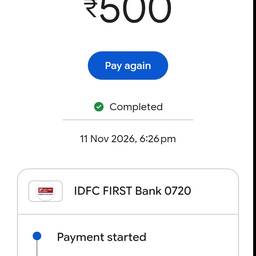
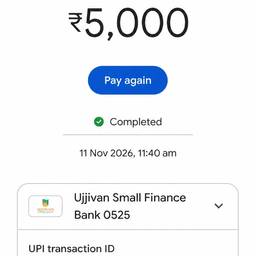
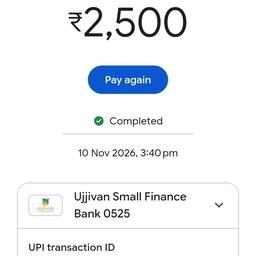
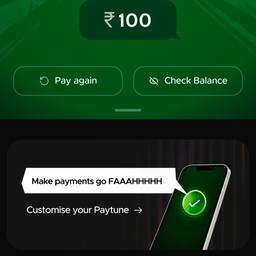
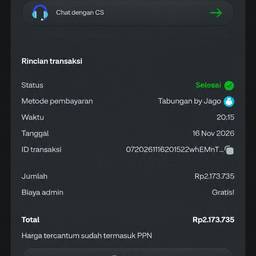
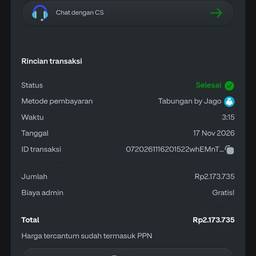
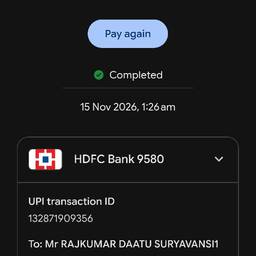
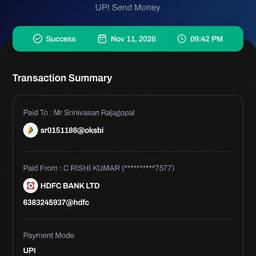
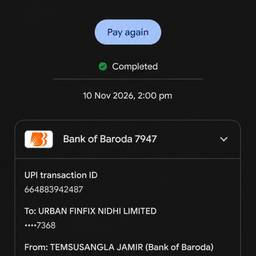
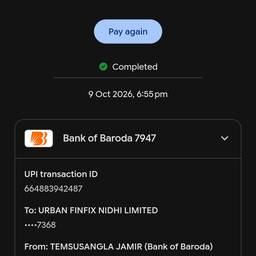
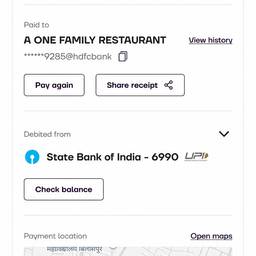
Edit Payment Screenshot Date And Time AI

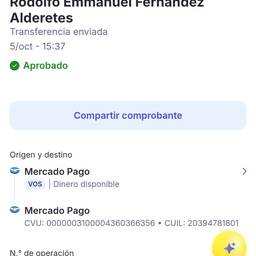
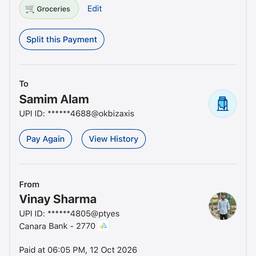
Edit the date and time on a payment screenshot using AI in just a few taps. Update the timestamp on a bank transfer confirmation, adjust the time on a PayPal receipt, or change the date on a mobile payment notification. Keep your records looking exactly right. See examples below.

Try It Free

Before & After

Community Examples
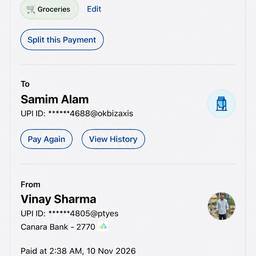
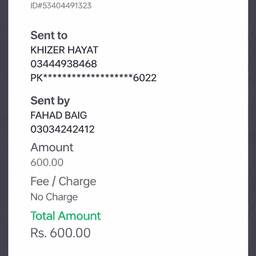
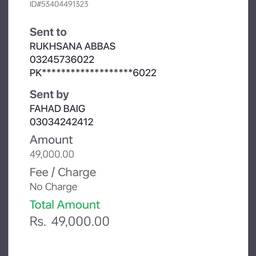
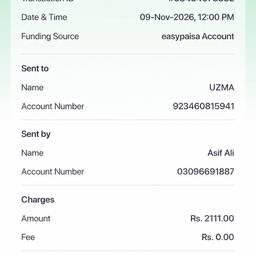
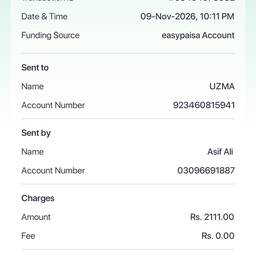
Easypaisa Receipt Editor
Reference
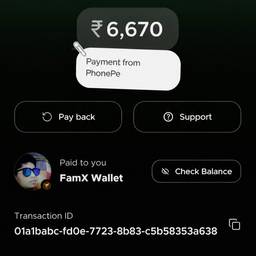
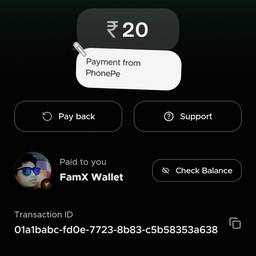
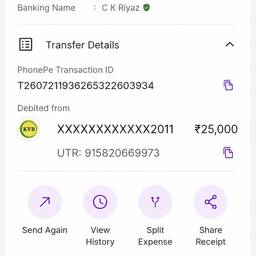
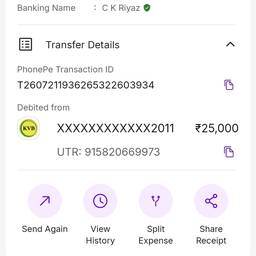
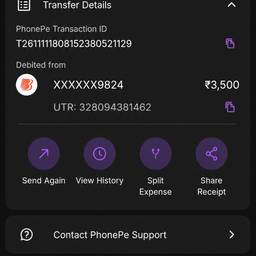
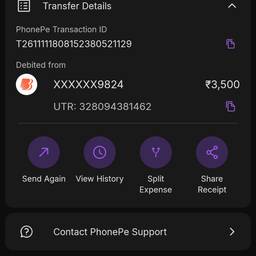
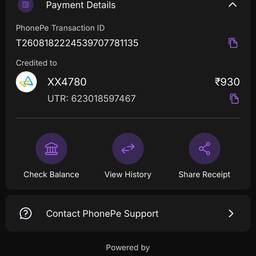
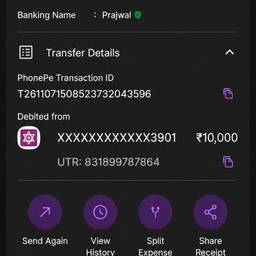
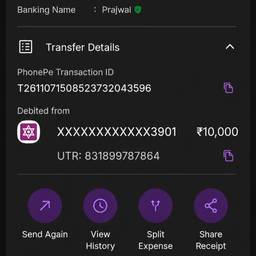
PhonePe Payment Screenshot Edit
Reference
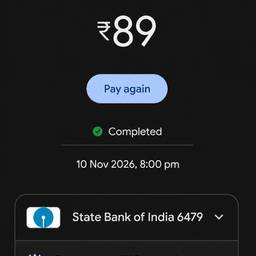
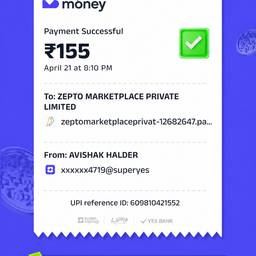
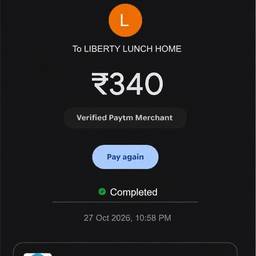
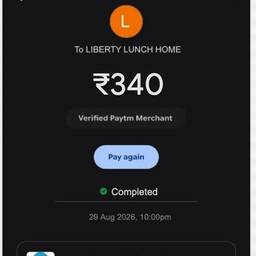
Payment Screenshot Date Edit
Reference
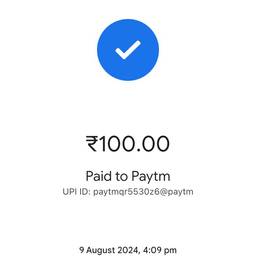
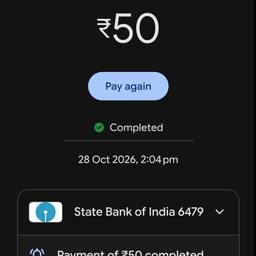
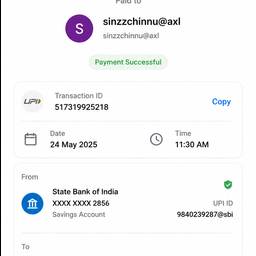
UPI Payment Date Edit
Reference
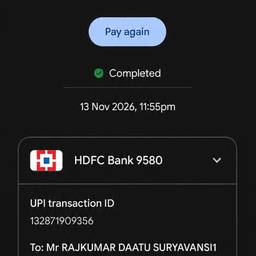
Payment Screenshot Date Edit
Reference
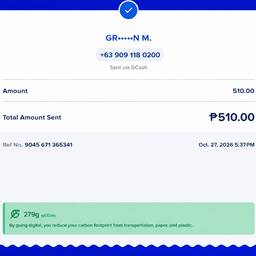
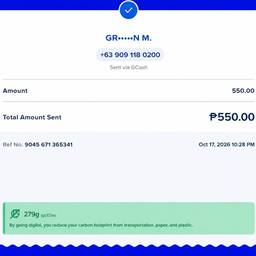
GCash Payment Screenshot Edit
Reference
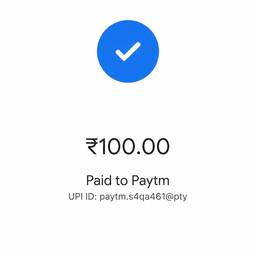
UPI Payment Screenshot Edit
Reference
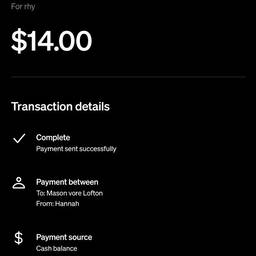
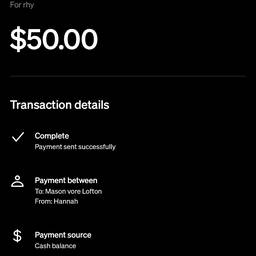
Payment Screenshot Amount Edit
Reference
UPI Payment Screenshot Edit
Reference
Easypaisa Receipt Date Edit
Reference
Payment Screenshot Date Edit
Reference
₹15,000 Payment Screenshot Edit
Reference
Payment Screenshot Date Edit
Reference
UPI Payment Date Edit
Reference
Edit Payment Screenshot
Reference
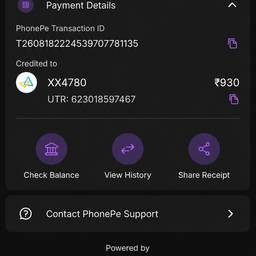
PhonePe Payment Date Edit
Reference
UPI Payment Success Screenshot
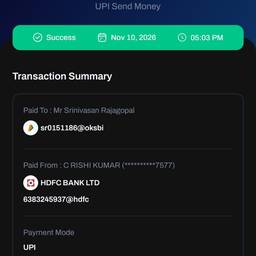
UPI Receipt Date Edit
Reference
UPI Payment Screenshot Edit
Reference
Editable UPI Payment Proof
Reference
UPI Payment Date Edit
Reference
Payment Screenshot Date Edit
Reference
Payment Screenshot Date Edit
Reference
Payment Screenshot Date Edit
Reference

Best Models for Edit Payment Screenshot Date And Time AI