Edit Payment Status Text AI
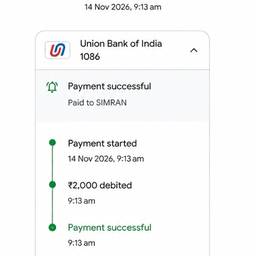
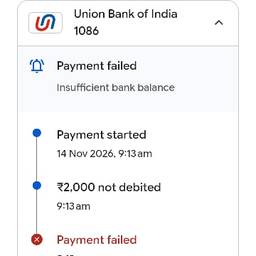
Edit payment status text on invoices, receipts, and billing screens with AI. Change “Payment failed” to “Card declined—try another card” on a checkout receipt, rewrite “Pending” as “Awaiting bank confirmation” on an invoice, or update “Paid” to “Payment received—thank you” in a customer portal. Keep every payment message clear and on-brand. See examples below.
Try It FreeBefore & After
Community Examples