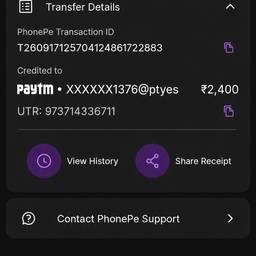
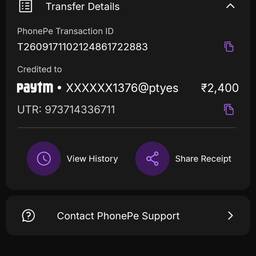
Update Date And Time In Screenshot AI
Update the date and time in a screenshot with AI, so the timestamp reads exactly how you need it. Fix the clock on a chat screenshot for a tutorial, line up the time on a booking confirmation in your slide deck, or refresh an old dashboard shot for a client demo. See examples below.
Try It FreeBefore & After
Community Examples