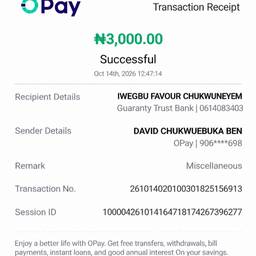
Editar fecha de recibo OPay
cambiar fecha y hora en captura de pantalla de pago iaeditar detalles de recibo de pago iacambiar número de transacción en recibo iaeditar fecha y hora de recibo ia
Prompt
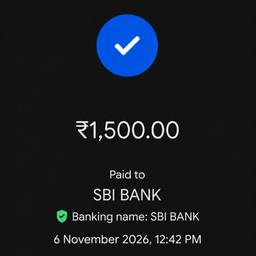
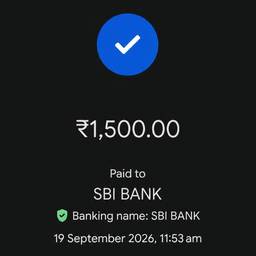
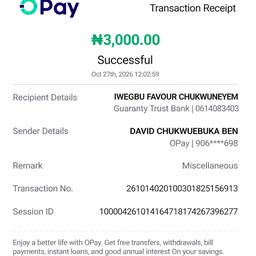
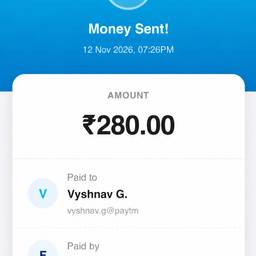
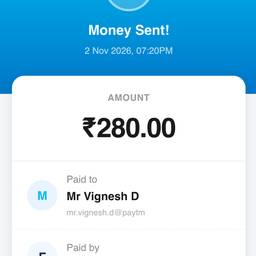
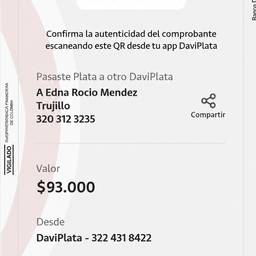
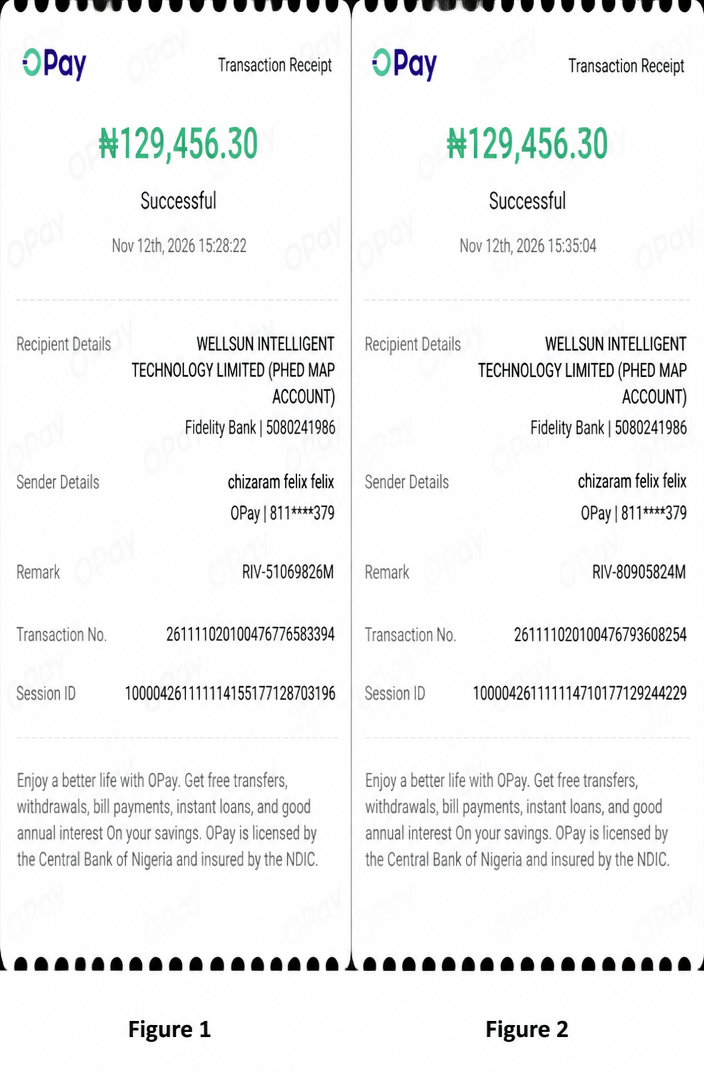
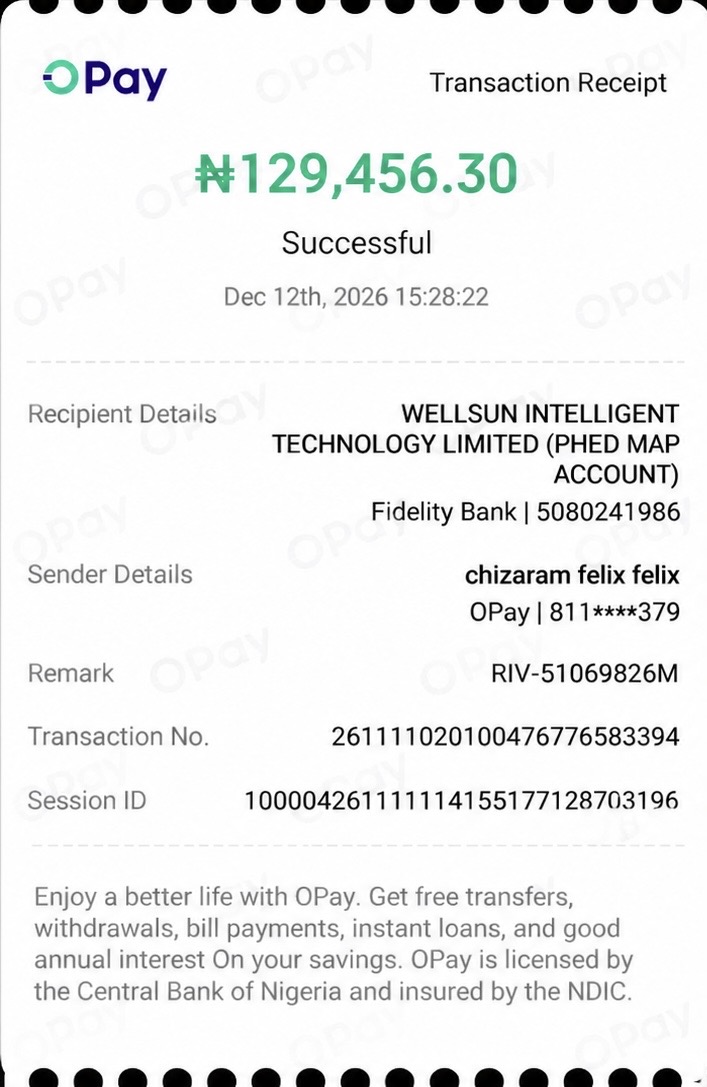
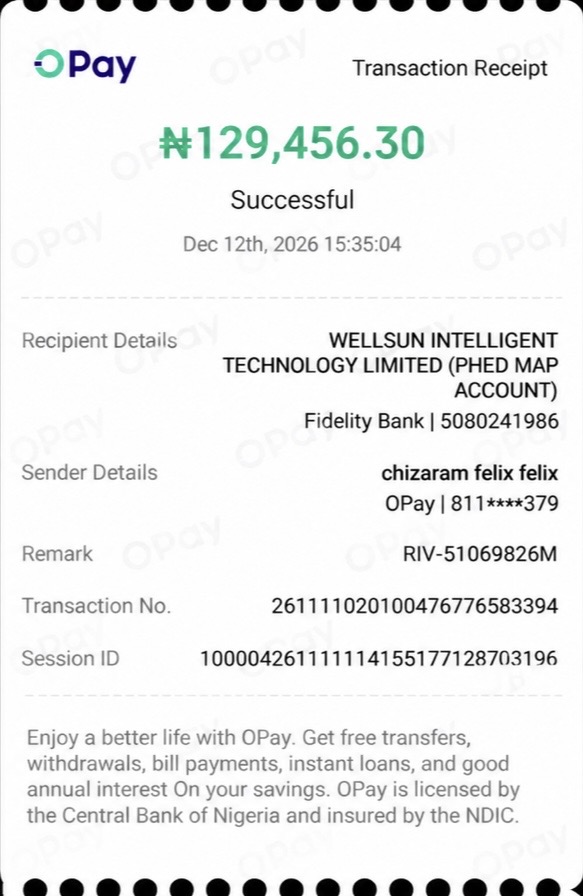
In the first image (Figure 1), change the date to Nov 12 and time to 15:28:22. In the second image (Figure 2), change the date to Nov 12 and time to 3:35:04, and add the text 'Remark RIV-80905824M', 'Transaction No. 261111020100476793608254', and 'Session ID 100004261111114710177129244229' in appropriate positions on the receipt.
Más como esto