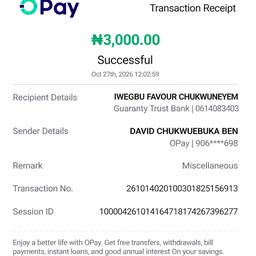
OPay 領収書 日付 編集
プロンプト
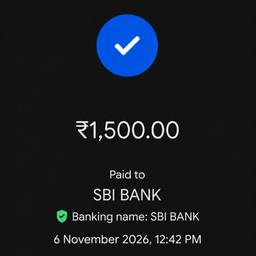
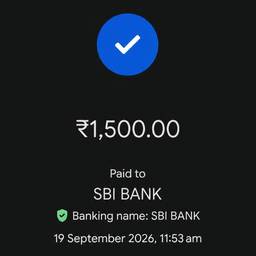
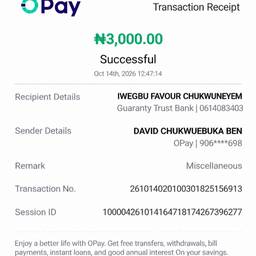
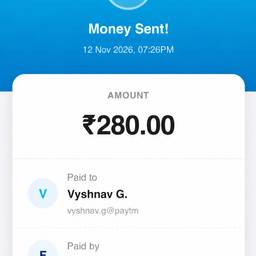
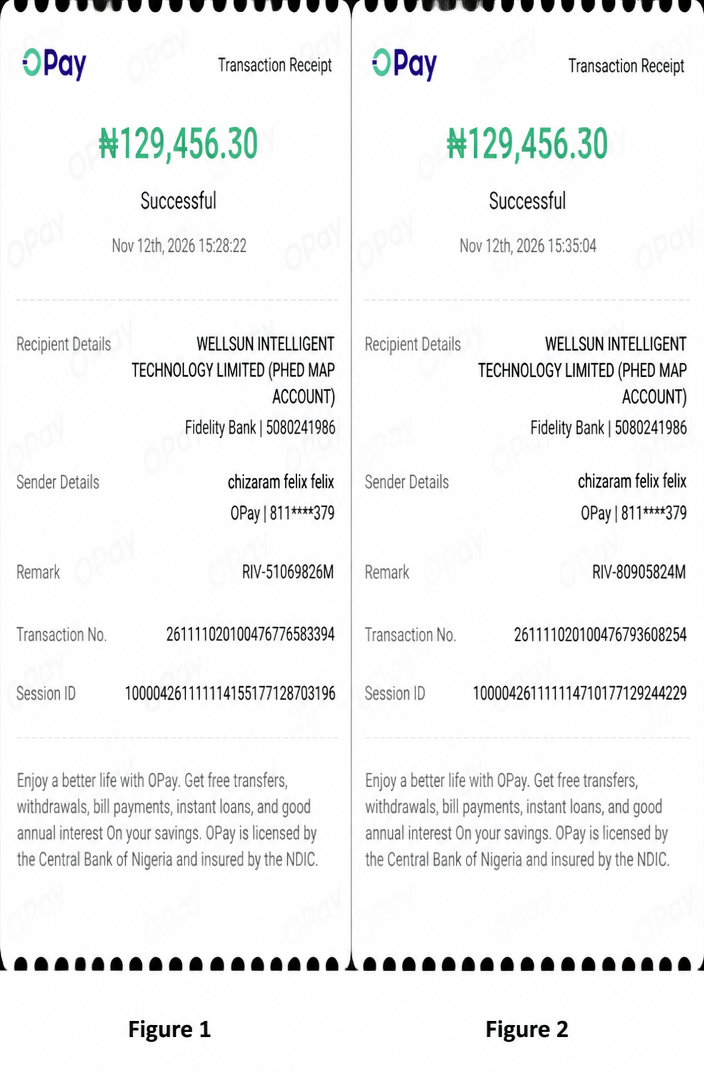
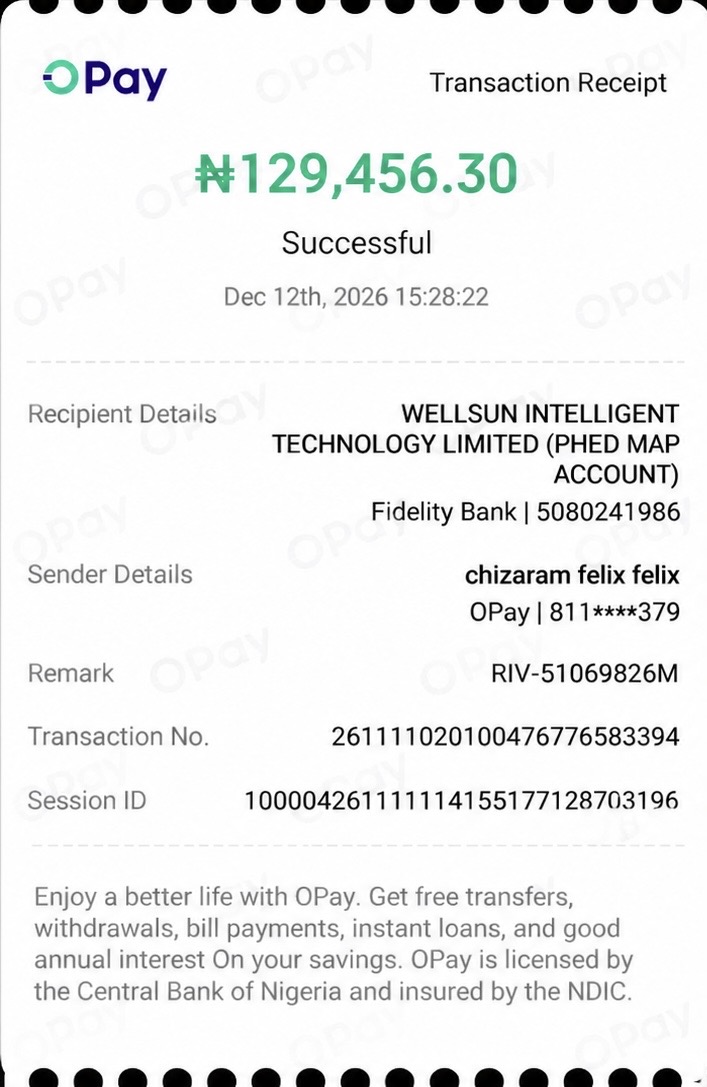
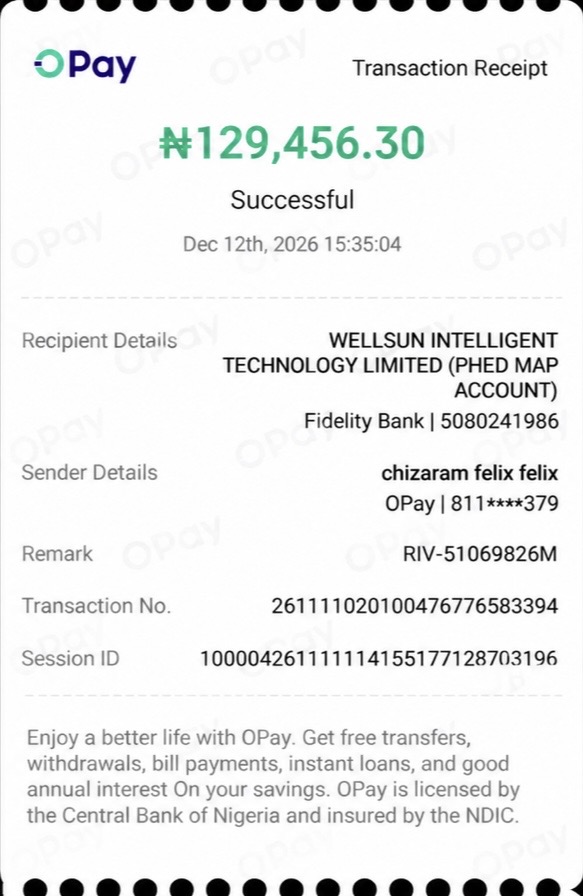
In the first image (Figure 1), change the date to Nov 12 and time to 15:28:22. In the second image (Figure 2), change the date to Nov 12 and time to 3:35:04, and add the text 'Remark RIV-80905824M', 'Transaction No. 261111020100476793608254', and 'Session ID 100004261111114710177129244229' in appropriate positions on the receipt.
似た作品