Image to image AI
Image to image AI: upload a photo and restyle, edit, or remix it with a prompt in chat.
Upload a photoHow it works
1
Upload a source
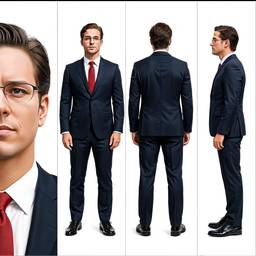
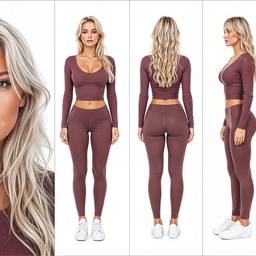
A photo, sketch, or pose you want to keep.
2
Describe the remix
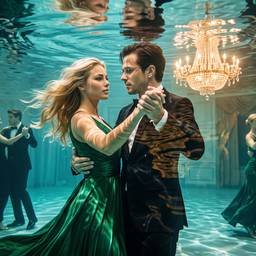
New scene, clothes, style, or combine two pictures.
3
Iterate
Keep the subject, change everything else, in one chat.
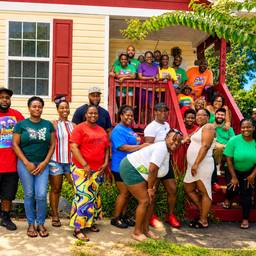
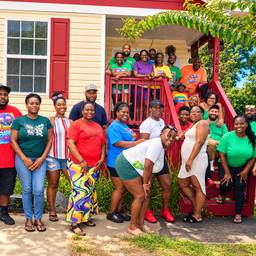
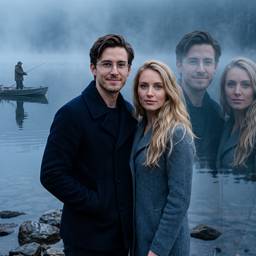
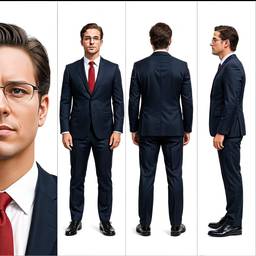
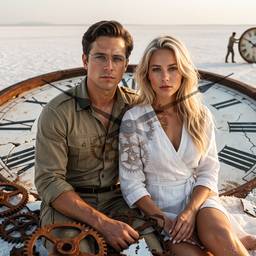
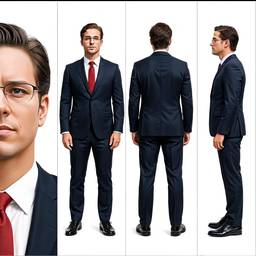
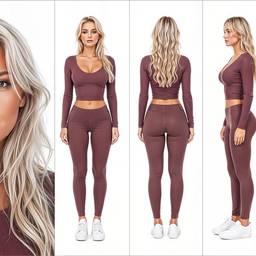
Before & After
Popular Tools
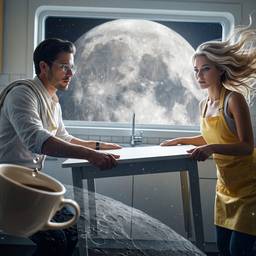
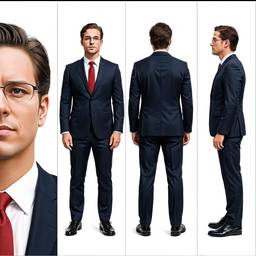
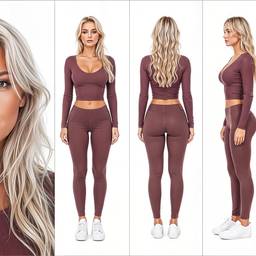
Community Examples
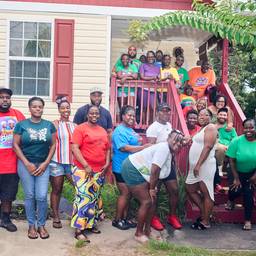
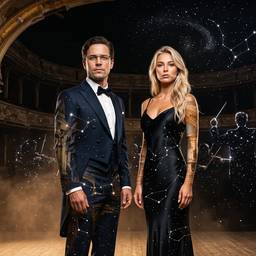
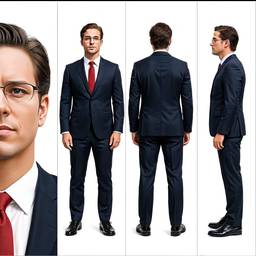
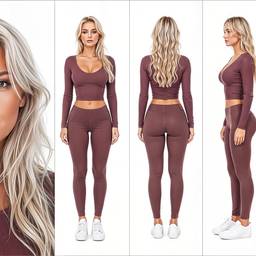
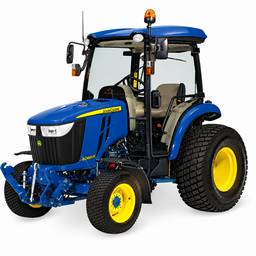
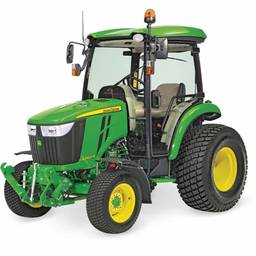
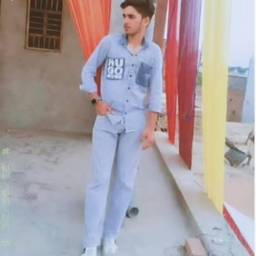
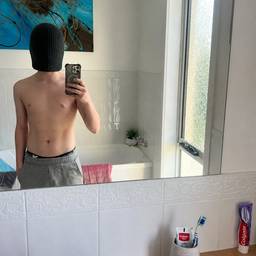
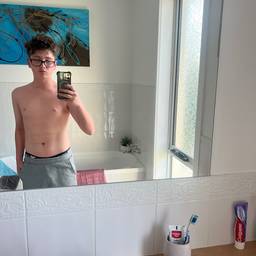
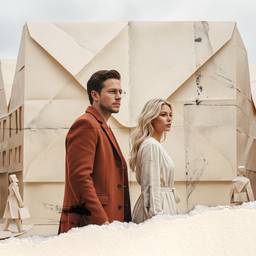
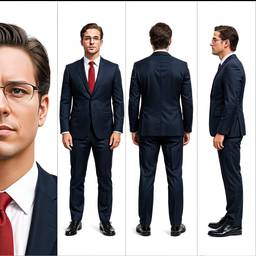
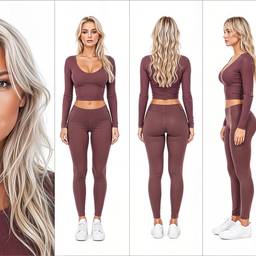
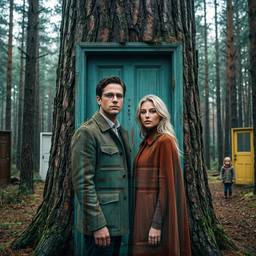
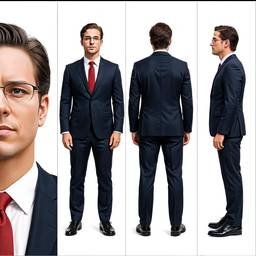
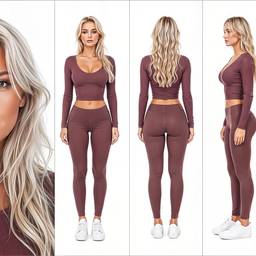
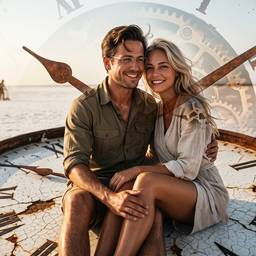
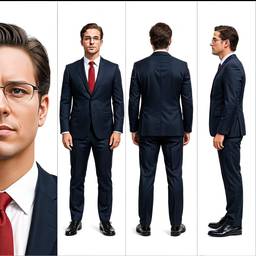
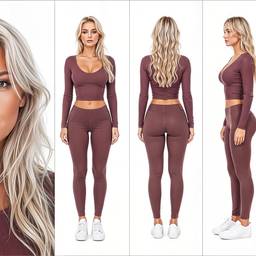
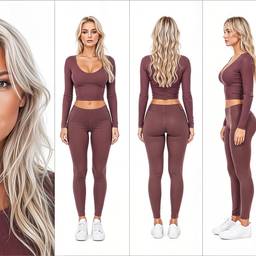
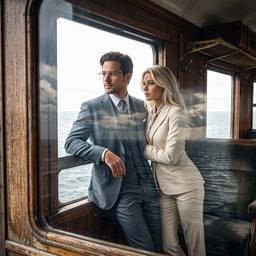
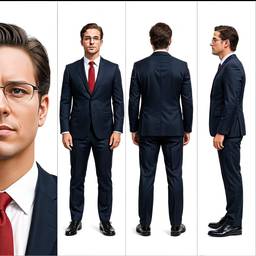
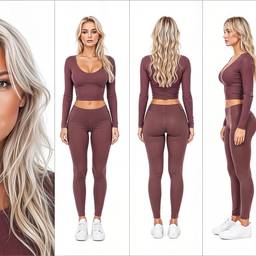
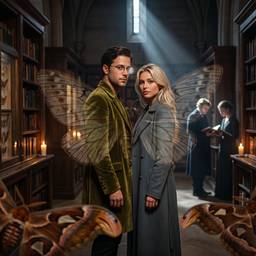
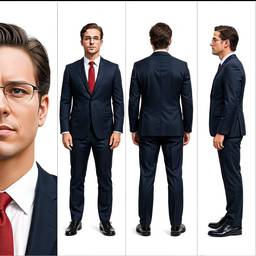
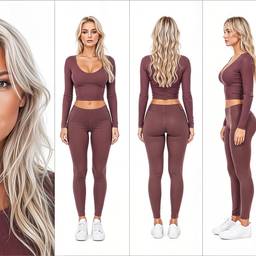
Models
Grok Imagine Image 2.0 Edit
Image To Image2–3cr
Nano Banana 2 Edit
Image To Image2–4cr
Nano Banana Pro Edit
Image To ImageNano Banana Pro (a.k.a Nano Banana 2) is state-of-the-art image generation and editing model
5–10cr
Bytedance Seedream 4.5 Edit
Image To Image2cr
MAI Image 2.5 Edit
Image To Image2cr
OpenAI GPT Image 2 Edit
Image To Image1–2cr
Credits per generation. No subscription. See pricing.
FAQ
What is image to image AI?
Image to image AI takes a source photo plus a prompt and generates a new version. Use it to restyle, edit, or remix instead of starting from a blank canvas.
When should I use image to image vs text to image?
Use image to image when you already have a photo, sketch, or pose to keep. Use text to image when you are inventing the scene from scratch.
Can I restyle a photo or change the background?
Yes. Keep the subject and change the scene, lighting, clothes, or art style. That is the usual image to image job.
Is this the same as an AI photo editor?
Closely. AI photo editor searches are usually for fixes — remove, upscale, restore. Image to image is the broader remix. Both run in this chat.
Can I combine two images?
Yes. Upload more than one image and ask to combine them, put a person into a scene, or swap a product into a new setting.
Which models do image to image?
GPT Image, Seedream, Nano Banana, and other edit models. Pick one or leave Auto on.