AI photo editor
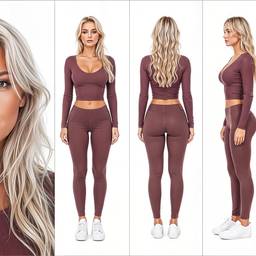
Edit photos with AI in chat. Remove backgrounds, upscale, relight, change clothes, and fix details without a separate editor.
Upload a photoHow it works
1
Upload the photo
A real picture you already have — product, portrait, receipt, design.
2
Say the change
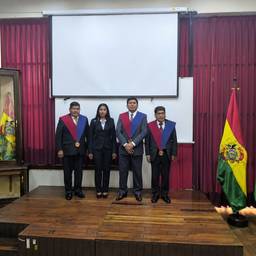
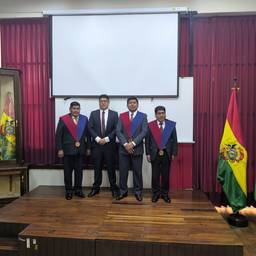
Remove the background, change the text, swap a person, restyle the look.
3
Keep editing
Stay in chat until the frame is right. No separate editor.
Before & After
Popular Tools
Community Examples
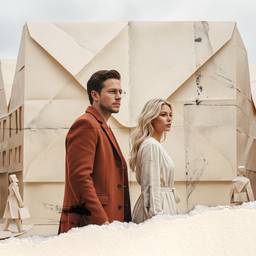
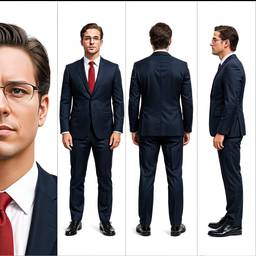
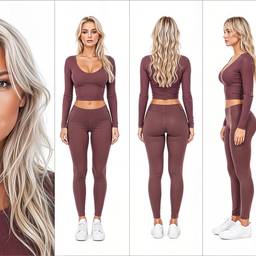
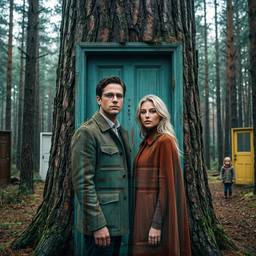
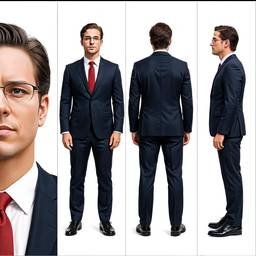
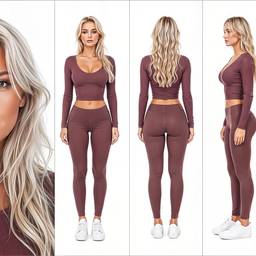
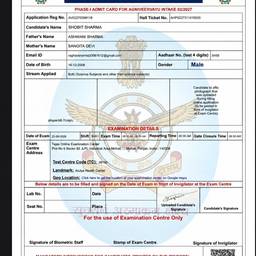
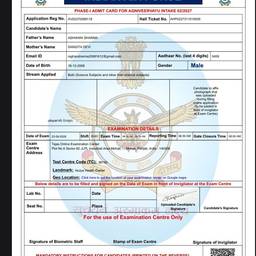

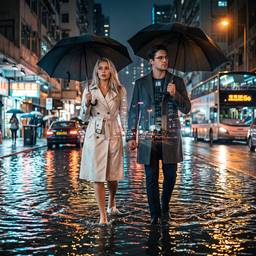
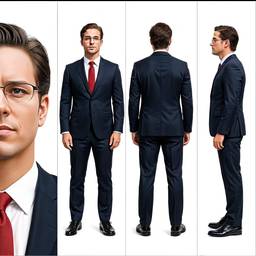
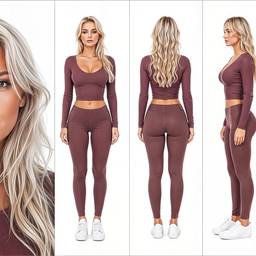
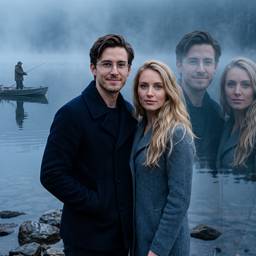
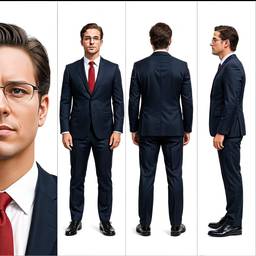
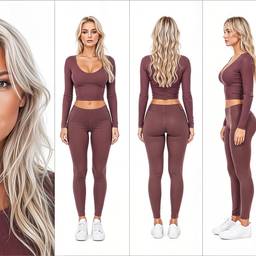
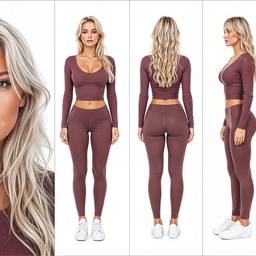
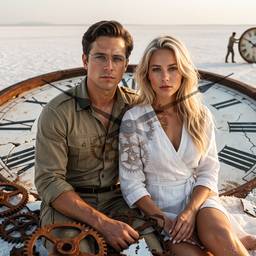
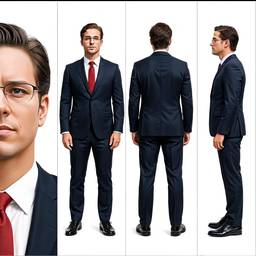
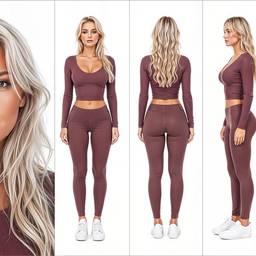
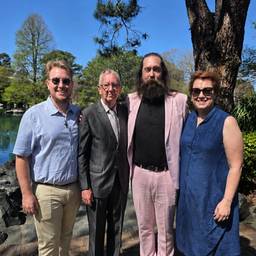

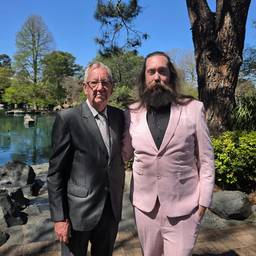
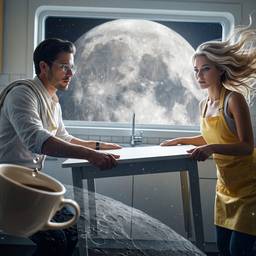
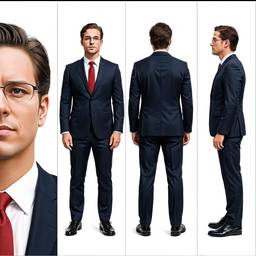
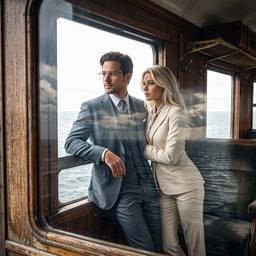
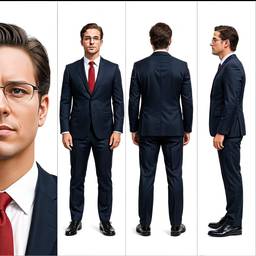
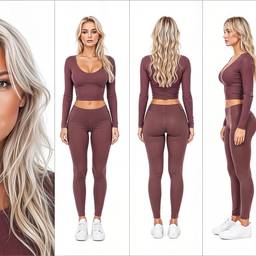
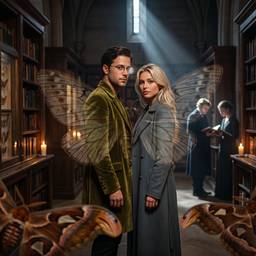
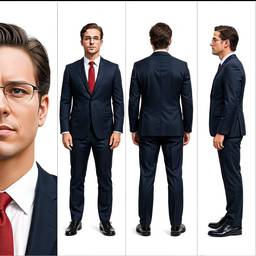
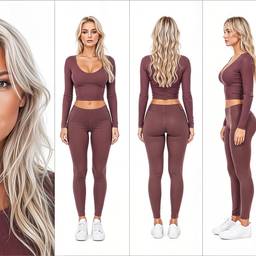

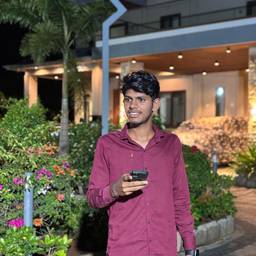
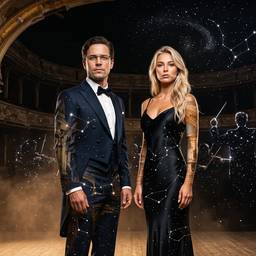
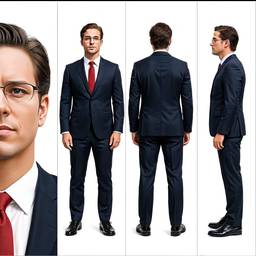
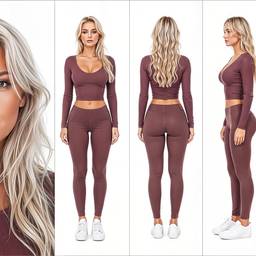
Models
Grok Imagine Image 2.0 Edit
Image To Image2–3cr
Nano Banana 2 Edit
Image To Image2–4cr
Nano Banana Pro Edit
Image To ImageNano Banana Pro (a.k.a Nano Banana 2) is state-of-the-art image generation and editing model
5–10cr
Bytedance Seedream 4.5 Edit
Image To Image2cr
MAI Image 2.5 Edit
Image To Image2cr
OpenAI GPT Image 2 Edit
Image To Image1–2cr
Credits per generation. No subscription. See pricing.
FAQ
What is an AI photo editor?
An AI photo editor changes a real photo with a prompt instead of layers and sliders. Upload a picture, say what to fix, and ImageGPT edits it in chat.
Can I remove or replace a background?
Yes. Ask to remove the background, put the subject on white, or generate a new scene behind them. That covers AI background remover and AI background generator searches.
Can I upscale and enhance photos?
Yes. Upscale, sharpen, relight, restore old photos, and clean noise. Keep chatting if you want a stronger or subtler result.
Can I change clothes, faces, or objects?
Yes. Swap outfits, remove objects, relight faces, or combine photos. Image to image is how those edits run.
Do I need Photoshop?
No. Describe the edit in chat. Use a dedicated tool page if you already know the job — background removal, upscale, restore — or stay here and type it.
Can I edit AI-generated images too?
Yes. Generate a photo, then edit the same file. Generator and editor are one flow.