AI photo generator
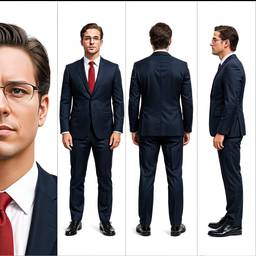
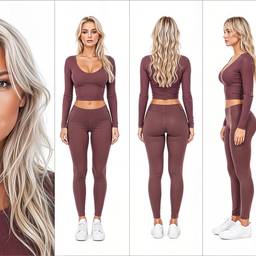
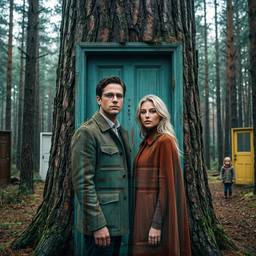
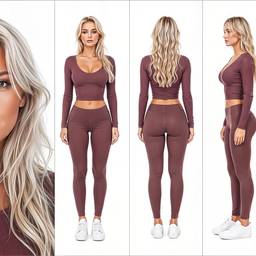
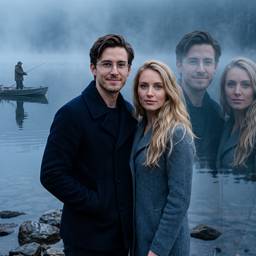
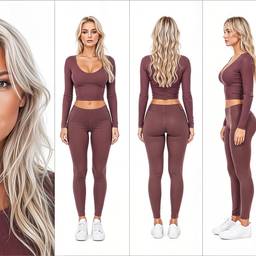
Create realistic AI photos from a prompt. Product photography, portraits, and lifestyle shots you can edit in chat.
How it works
1
Describe the photo
Name the subject, background, and lighting. Think camera, not illustration.
2
Generate
Models here are built for photoreal skin, fabric, and products.
3
Edit the shot
Clean the background, relight, or make another angle in the same chat.
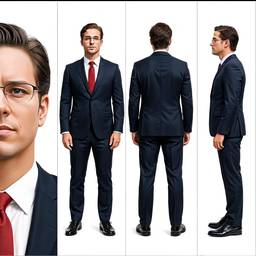
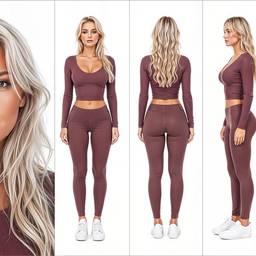
Before & After
Popular Tools
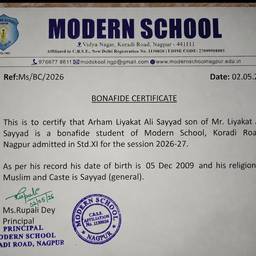
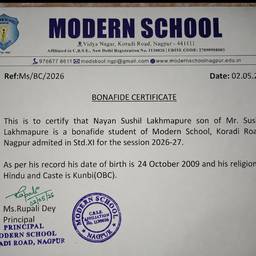
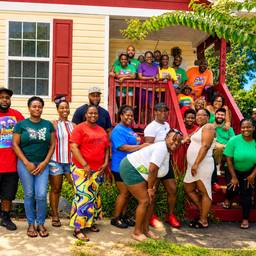
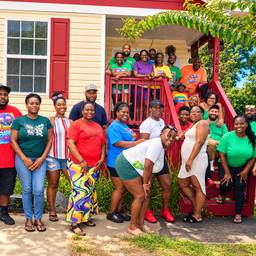
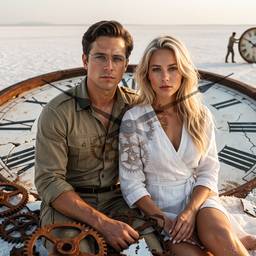
Community Examples
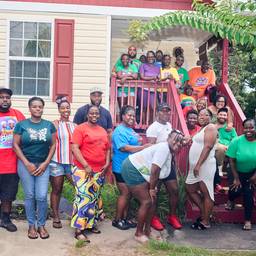
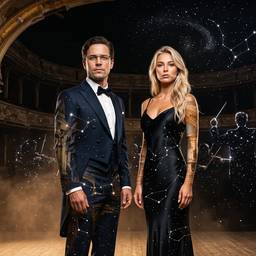
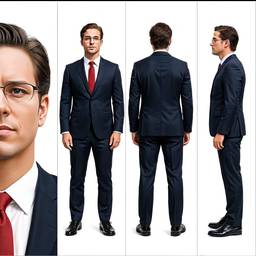
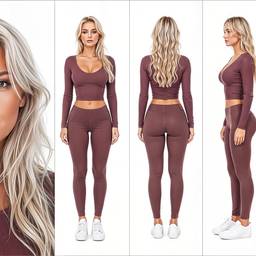
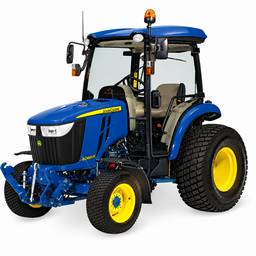
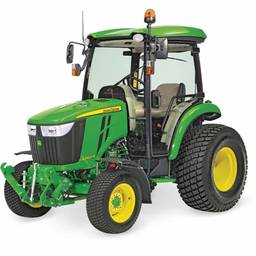
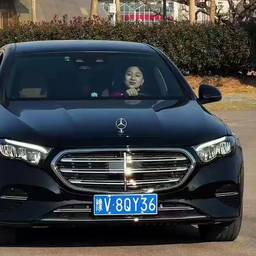
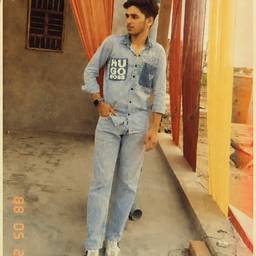
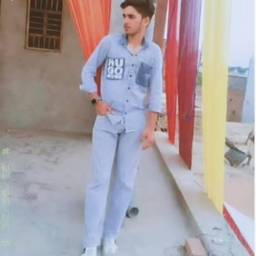
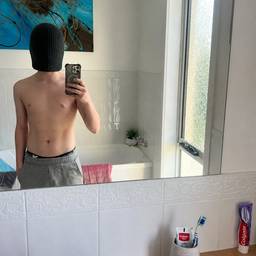
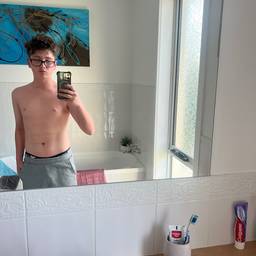
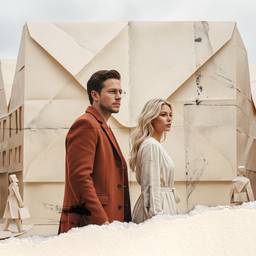
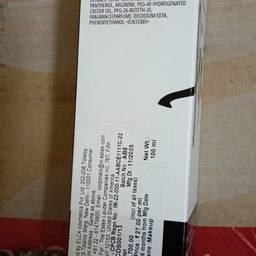
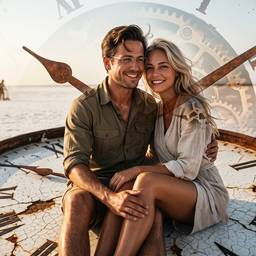
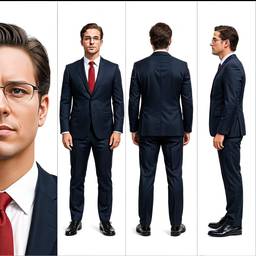
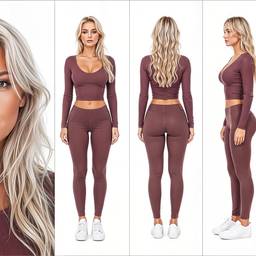
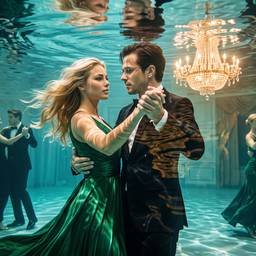
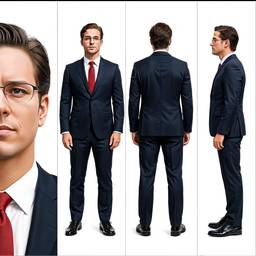
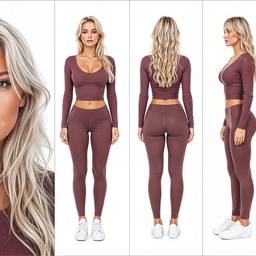
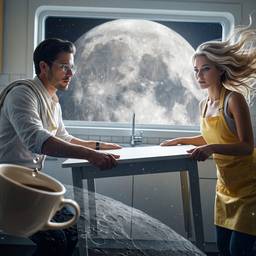
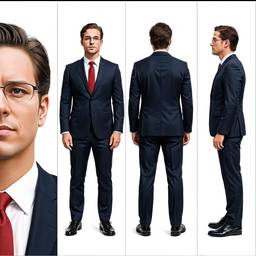
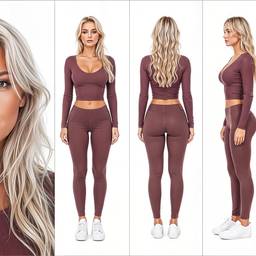
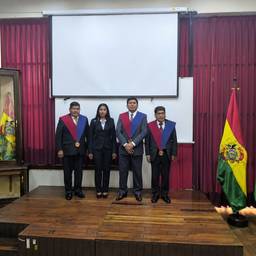
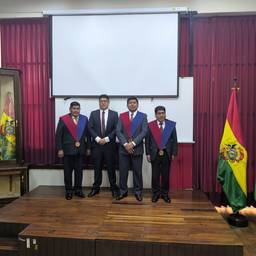
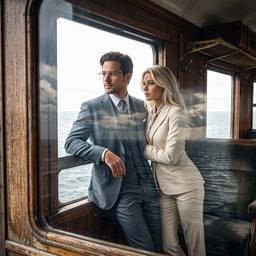
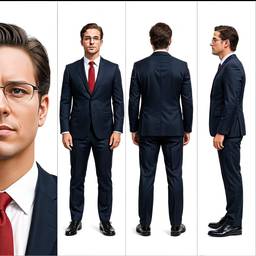
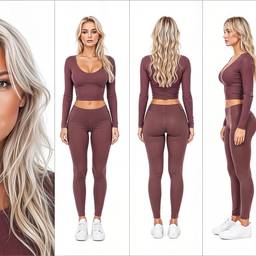
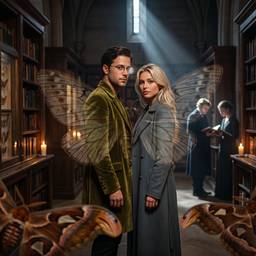
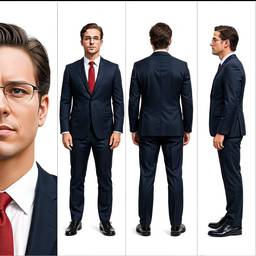
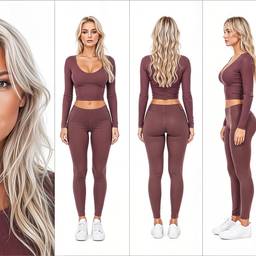
Models
Grok Imagine Image 2.0
Text To Image2–3cr
Grok Imagine Image
Text To Image1cr
Nano Banana 2
Text To Image2–4cr
Nano Banana Pro
Text To ImageNano Banana Pro (a.k.a Nano Banana 2) is state-of-the-art image generation and editing model
5–10cr
Bytedance Seedream 4.5
Text To Image2cr
OpenAI GPT Image 2
Text To Image1–2cr
Credits per generation. No subscription. See pricing.
FAQ
What is an AI photo generator?
An AI photo generator creates photorealistic pictures from text. Use it for product photography, headshots, and lifestyle shots without a camera crew.
How is this different from an AI image generator?
AI photo generator searches are usually for realistic photos. AI image generator is the broader category. ImageGPT does both in the same chat.
Can I generate product photos for ecommerce?
Yes. Describe the product, background, and lighting. Then edit the shot in chat — clean the background, relight, or make more angles.
Can I make AI portraits and headshots?
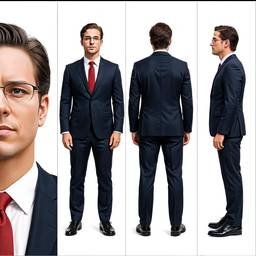
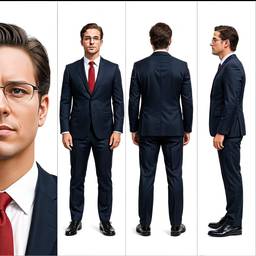
Yes. Generate a professional headshot or portrait from a prompt, or upload a photo and restyle it with image to image.
Can I edit the photo after it generates?
Yes. Keep chatting to upscale, remove objects, change clothes, or replace the background. That is the AI photo editor built into the same flow.
Do generated photos look real?
Models here are built for photorealism — skin, fabric, and product materials. Results vary with the prompt; you can regenerate or edit until it looks right.