Text to image AI
Text to image AI: describe a scene and get a still image. Then edit, upscale, or turn it into video in the same chat.
How it works
1
Write the prompt
Subject, setting, lighting, and format. No source photo needed.
2
Generate the still
The model invents the frame from your words.
3
Edit or go to video
Fix the still, or animate it with image to video.
Before & After
Popular Tools
Community Examples
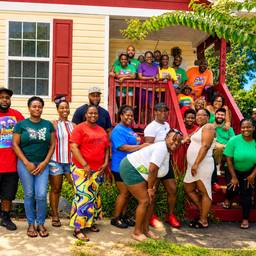
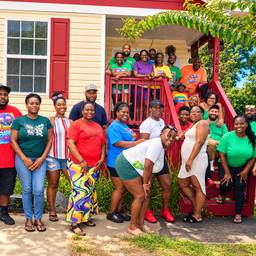
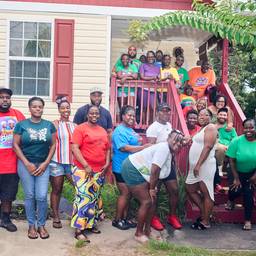
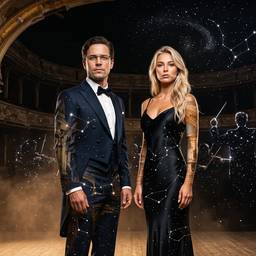
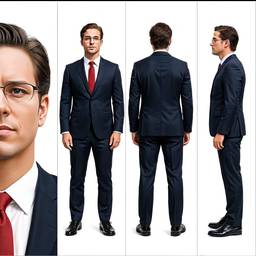
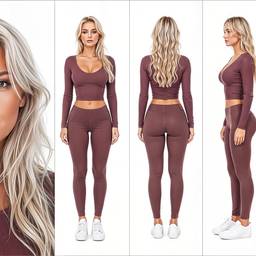
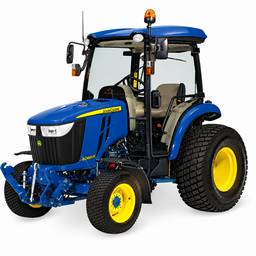
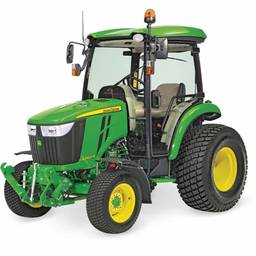
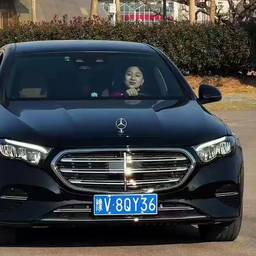
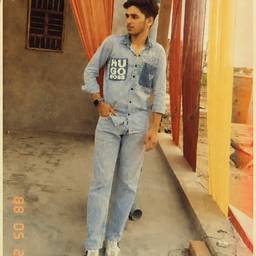
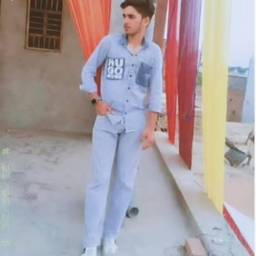
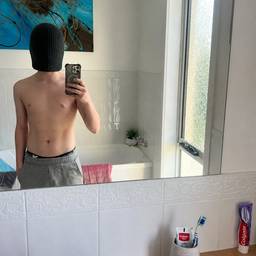
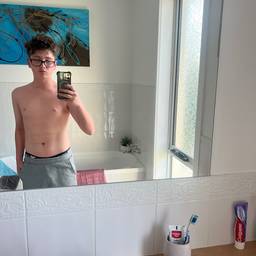
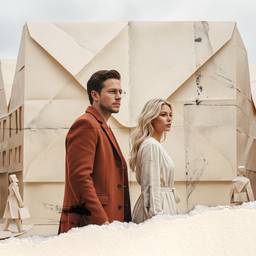
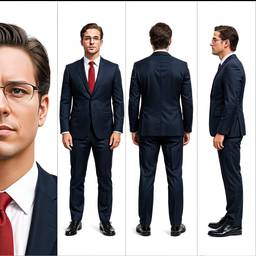
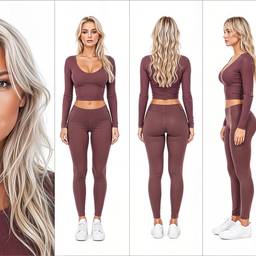
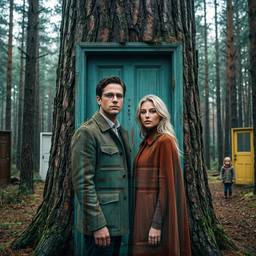
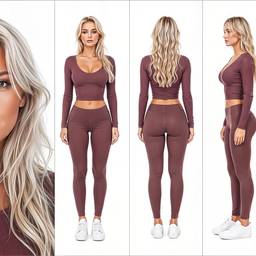

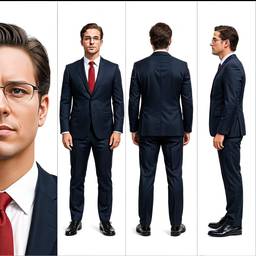
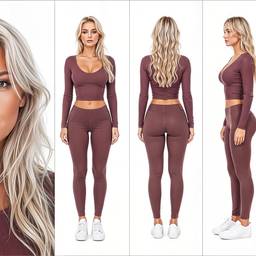
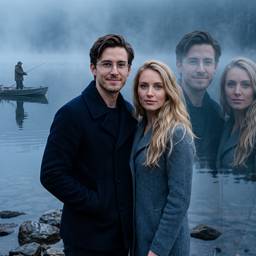
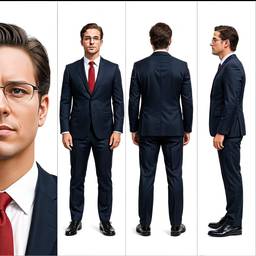
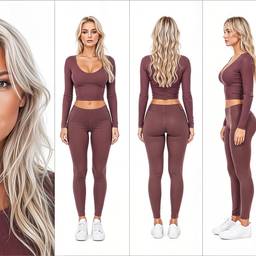
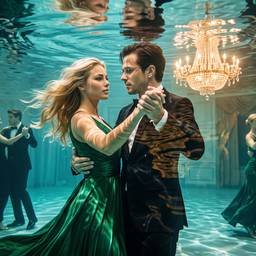
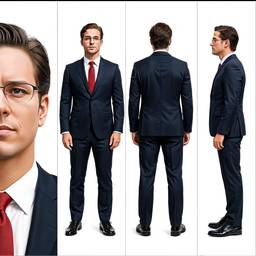
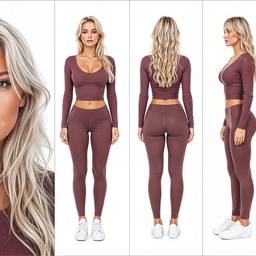
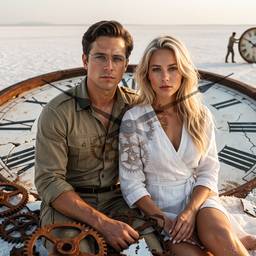
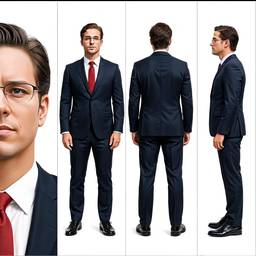
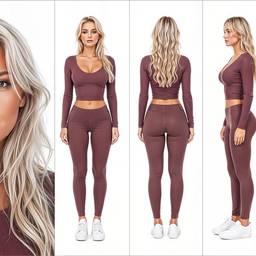
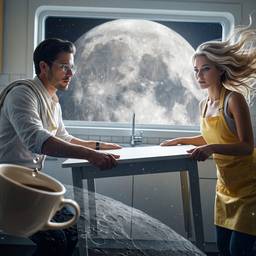
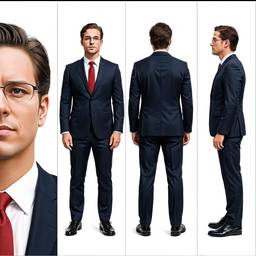
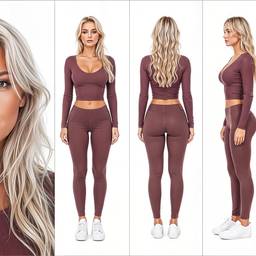
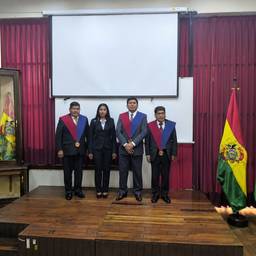
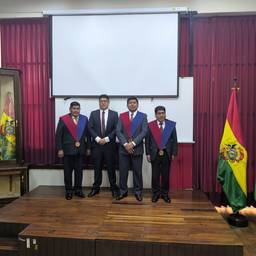
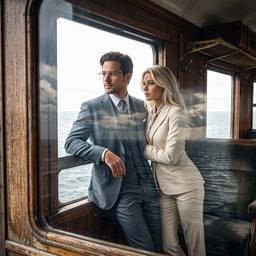
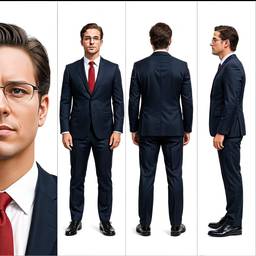
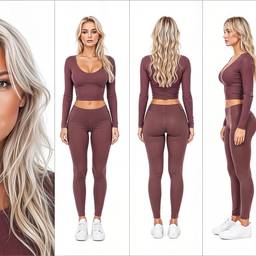
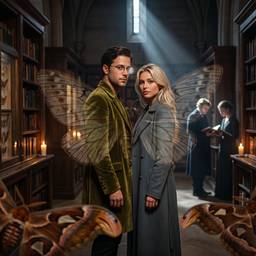
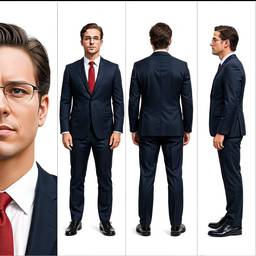
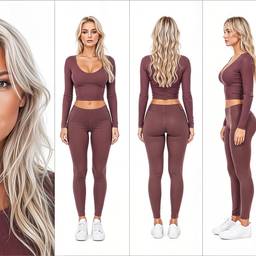
Models
Grok Imagine Image 2.0
Text To Image2–3cr
Grok Imagine Image
Text To Image1cr
Nano Banana 2
Text To Image2–4cr
Nano Banana Pro
Text To ImageNano Banana Pro (a.k.a Nano Banana 2) is state-of-the-art image generation and editing model
5–10cr
Bytedance Seedream 4.5
Text To Image2cr
OpenAI GPT Image 2
Text To Image1–2cr
Credits per generation. No subscription. See pricing.
FAQ
What is text to image AI?
Text to image AI creates a picture from a written prompt. You describe the subject, style, and camera, and the model renders the still.
How is text to image different from an AI image generator?
They are the same job. Text to image is the technical name; AI image generator is how most people search it. This page is that generator.
What makes a good text to image prompt?
Name the subject, setting, lighting, and format. Example: product photo, white background, 50mm, soft studio light. Then edit if the first frame is close.
Can I go from text to image to video?
Yes. Generate the still with text to image, then animate it with image to video, or start a new clip with text to video.
Which models do text to image?
GPT Image, Seedream, Nano Banana, Ideogram, Qwen, Wan, and others. Compare them on the models page or leave Auto on.
Is image to image also text to image?
Image to image still uses a prompt, but it starts from a photo you upload. Use it to restyle or edit. Use text to image when you have no source photo.