AI image generator
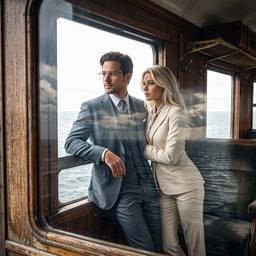
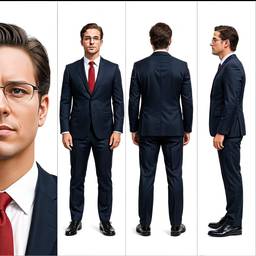
Generate images from a prompt in seconds. Product shots, portraits, social posts, and more — then edit them in chat.
How it works
1
Describe the image
Subject, setting, light, and format. A product shot or a portrait is enough to start.
2
Generate
Auto picks a model, or you pick one. You get a still in seconds.
3
Edit or animate
Keep chatting to fix details, or turn the still into a short clip.
Before & After
Popular Tools
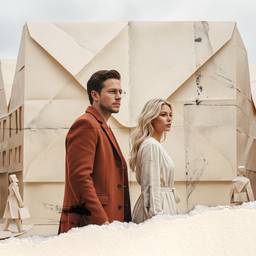
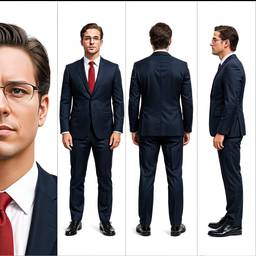
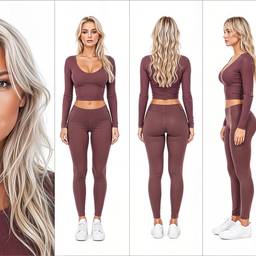
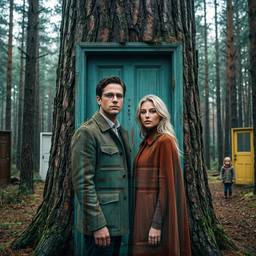
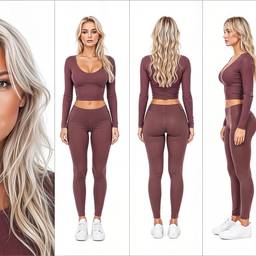
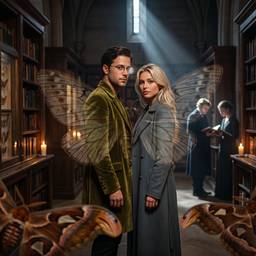
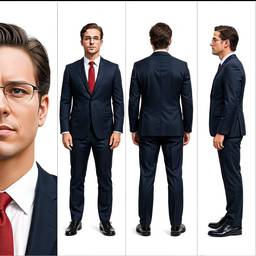
Community Examples
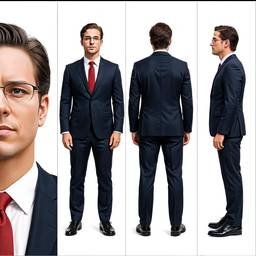
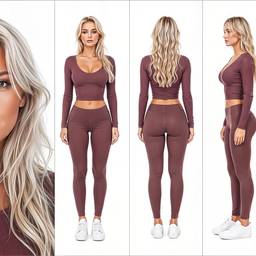
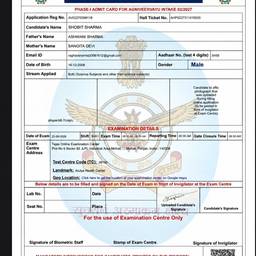
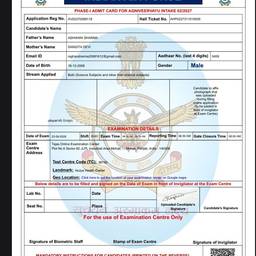

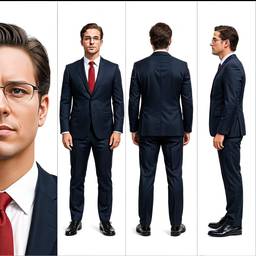
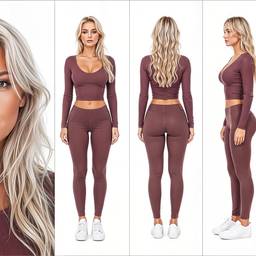
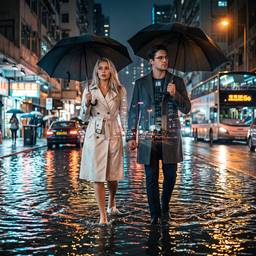
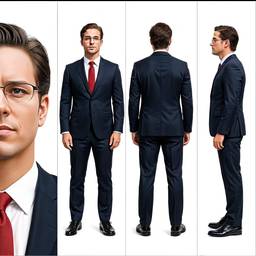
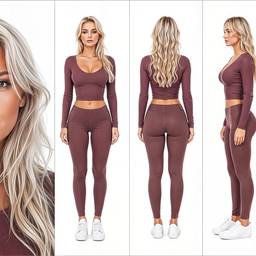
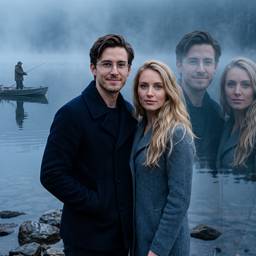
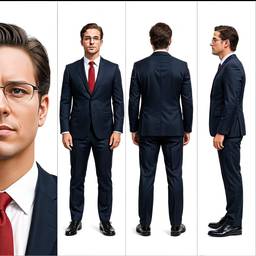
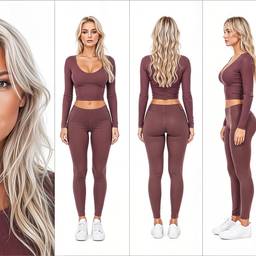
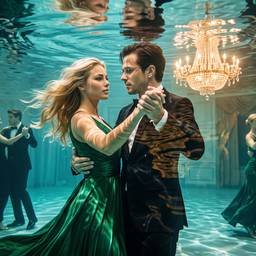
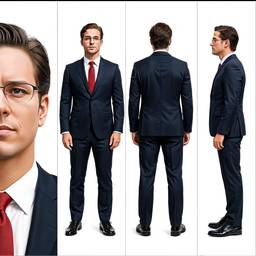
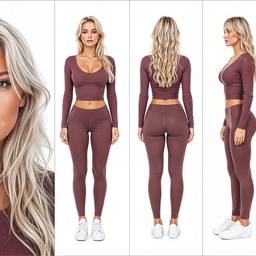
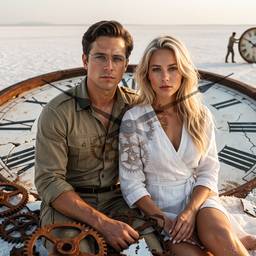
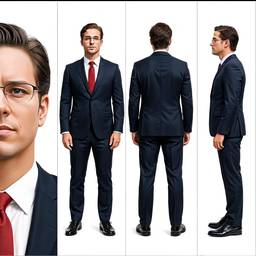
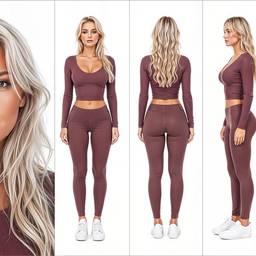

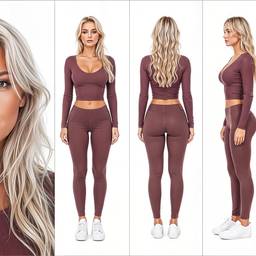
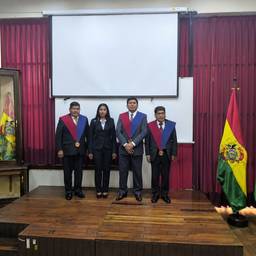
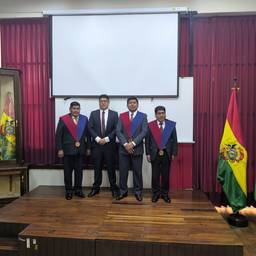


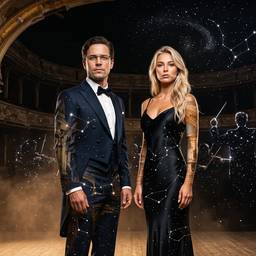
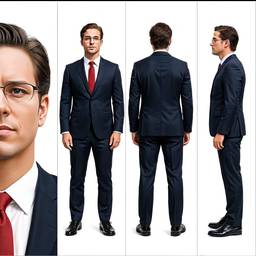
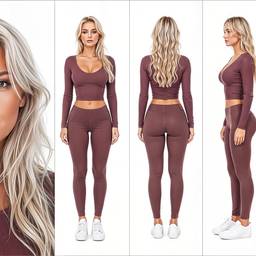
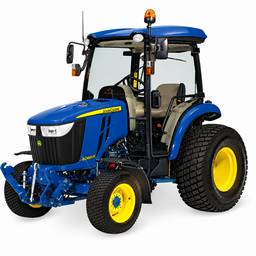
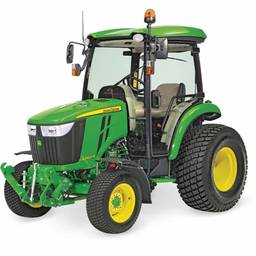
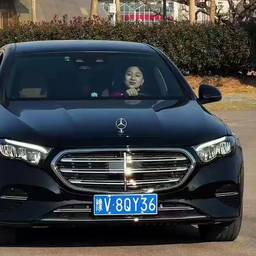
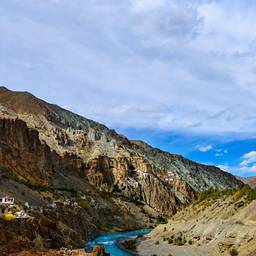
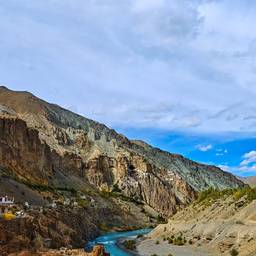
Models
Grok Imagine Image 2.0
Text To Image2–3cr
Grok Imagine Image
Text To Image1cr
Nano Banana 2
Text To Image2–4cr
Nano Banana Pro
Text To ImageNano Banana Pro (a.k.a Nano Banana 2) is state-of-the-art image generation and editing model
5–10cr
Bytedance Seedream 4.5
Text To Image2cr
OpenAI GPT Image 2
Text To Image1–2cr
Credits per generation. No subscription. See pricing.
FAQ
What is an AI image generator?
An AI image generator turns a text prompt into a picture. On ImageGPT you type what you want — a product photo, portrait, or social post — and get a result you can keep editing in the same chat.
How does text to image AI work here?
Text to image means you describe a scene in words and a model creates the image. You can also upload a photo and use image to image to restyle it, replace the background, change clothes, or extend the frame.
Is this the same as an AI photo generator or AI picture generator?
Yes. People search AI photo generator, AI picture generator, and AI image creator for the same job: make a still image from a prompt. This page is that tool. For illustration-first work see the AI art generator.
Can I edit photos after generating?
Yes. ImageGPT is also an AI photo editor. After you generate, keep chatting to remove the background, upscale, relight, swap an outfit, or outpaint the image.
Which AI models can I use to generate images?
Generate with GPT Image, Seedream, Nano Banana, Ideogram, Qwen, Wan, and other image models from one chat. Pick a model or leave it on Auto.
Can I use generated images commercially?
Yes. Teams use ImageGPT for ecommerce product photos, ad creatives, YouTube thumbnails, and social posts. See the terms for the full licence.
Can I turn an image into video?
Yes. After you generate a still, animate it with image to video in the same chat — product clips, talking portraits, and short ads.
Do I need an account to start?
You can try the AI image generator in chat without a card. Credits unlock more models and volume when you need them.