AI art generator
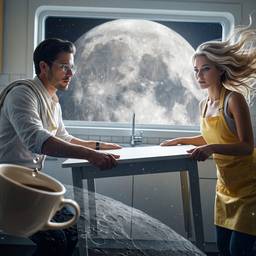
Create AI art from a prompt — illustration, concept art, posters, and stylized images, then refine them in chat.
How it works
1
Name the look
Illustration, ink, poster, concept art, anime — say the style up front.
2
Generate
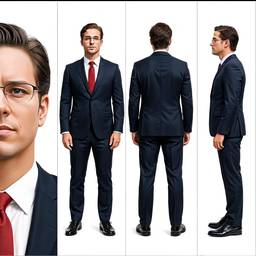
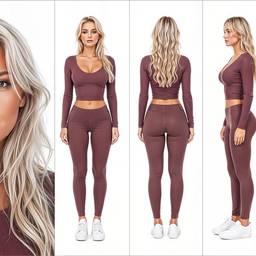
Get a still, then change color, composition, or style in chat.
3
Start from a sketch
Upload a drawing if you already have the pose or layout.
Before & After
Popular Tools
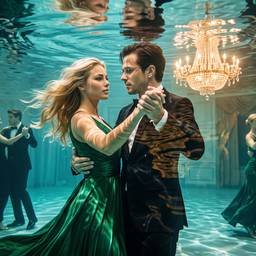
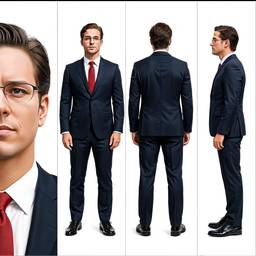
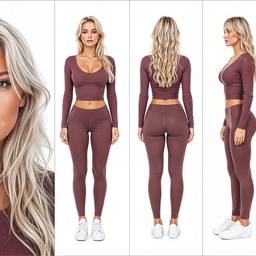
Community Examples
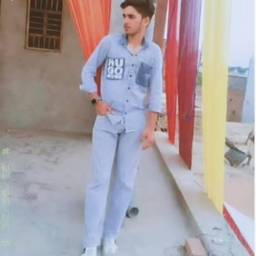
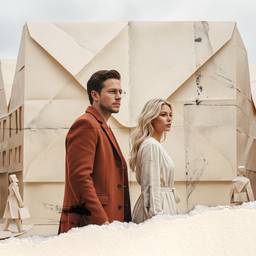
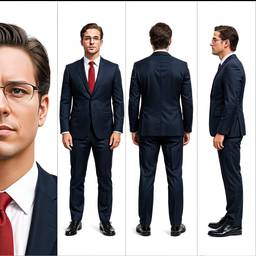
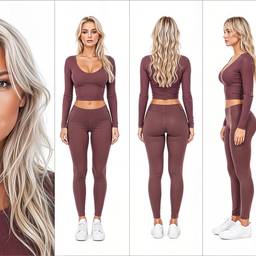
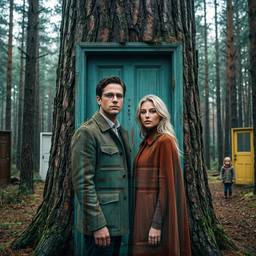
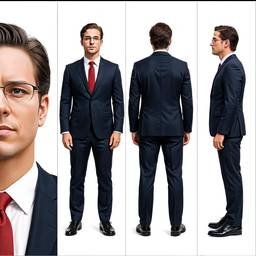
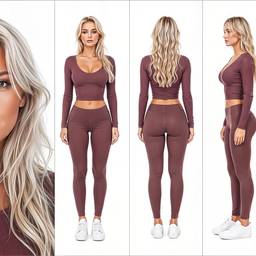
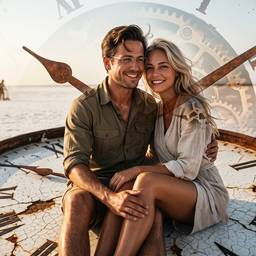
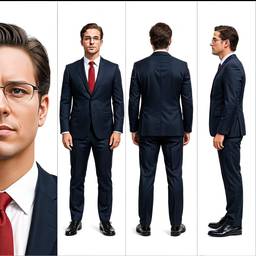
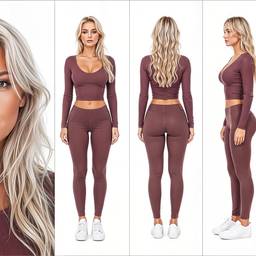
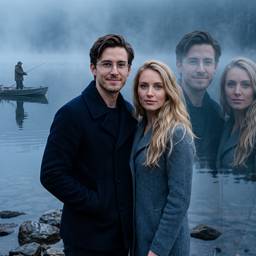
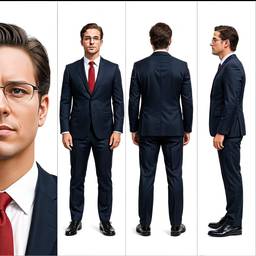
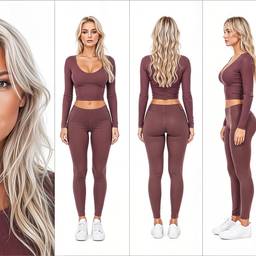
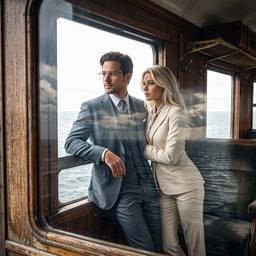
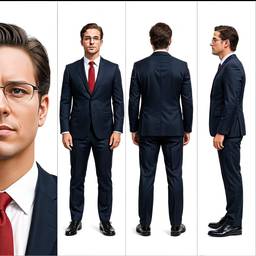
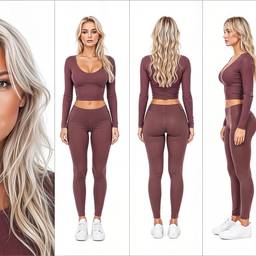
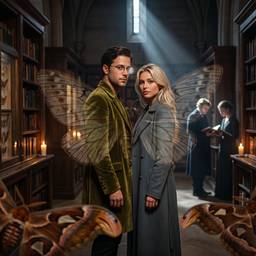
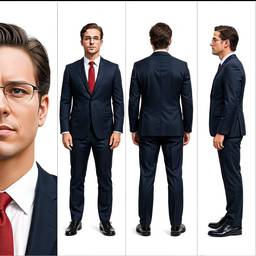
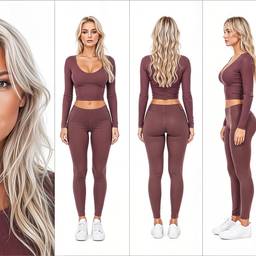
Models
Grok Imagine Image 2.0
Text To Image2–3cr
Grok Imagine Image
Text To Image1cr
Nano Banana 2
Text To Image2–4cr
Nano Banana Pro
Text To ImageNano Banana Pro (a.k.a Nano Banana 2) is state-of-the-art image generation and editing model
5–10cr
Bytedance Seedream 4.5
Text To Image2cr
OpenAI GPT Image 2
Text To Image1–2cr
Credits per generation. No subscription. See pricing.
FAQ
What is an AI art generator?
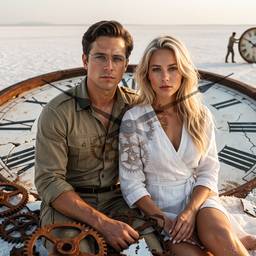
An AI art generator turns a prompt into illustration, concept art, or stylized images. It is the same ImageGPT chat, tuned by how you describe the look — painterly, ink, 3D, poster, anime, and more.
Is AI art generator different from AI image generator?
People searching AI art generator usually want stylized work, not a photograph. ImageGPT can do both. Use this page for art; use the AI photo generator for realistic shots.
Can I create concept art, posters, and illustrations?
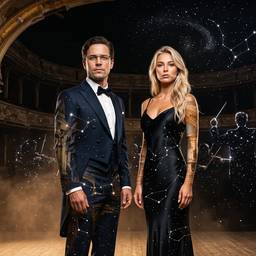
Yes. Generate concept art, poster art, album covers, character art, and illustrations, then edit color, composition, or style in chat.
Which models are best for AI art?
Ideogram, Seedream, GPT Image, and Nano Banana are strong for illustration and graphic looks. Pick one or leave Auto on.
Can I start from a sketch or reference image?
Yes. Upload a sketch or image and use image to image to restyle it into finished art.
Can I use the art commercially?
Yes for typical marketing and product use, subject to the terms. That includes posters, thumbnails, and campaign art.