AI video editor
Edit video with AI in chat. Restyle, extend, recaption, or change a clip you upload or just generated.
Upload a videoHow it works
1
Upload the clip
A video you already have, or one you just generated.
2
Say the edit
Restyle, extend, recaption, or change the look. Stay in chat.
3
Export the result
Short-form output for ads and social. Credits per generation.
Before & After
Popular Tools
Community Examples














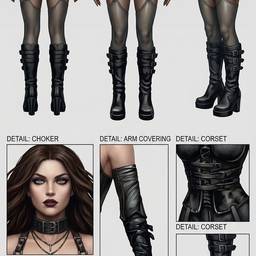



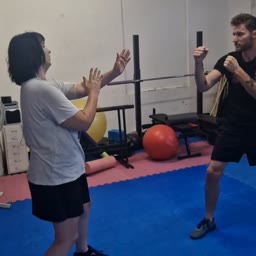







Models
Wan Motion
Video To VideoTransfers motion from a driving video onto a reference character image. Uses pose retargeting to adapt skeleton to the reference character body shape.
Wan v2.2 14B Animate Replace
Video To VideoModel that can replace characters into reference videos, replacing the original character while preserving everything else in the video
Kling Video v2.6 Motion Control
Video To VideoTransfer movements from a reference video to any character image.
Kling Video v2.6 Pro Motion Control
Video To VideoTransfer movements from a reference video to any character image.
Sync Lipsync v3
Video To VideoSync-3 lipsync model with native visual intelligence for professional-quality lip-synced video from a video and audio input.
Heygen Lipsync v3 Precision
Video To VideoReplace or dub audio on an existing video with high-accuracy avatar-inference lip-sync.
Credits per generation. No subscription. See pricing.