Image to video AI
Turn an image into video with AI. Animate a photo, product still, or generated frame into a short clip.
Upload a photoHow it works
1
Upload a still
A photo you have, or one you just generated.
2
Describe the motion
Push-in, blink, turntable, talking photo.
3
Get the clip
The subject stays consistent because you chose the first frame.
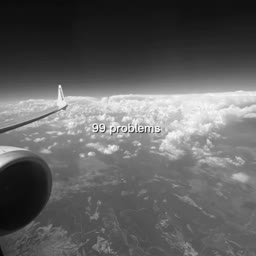
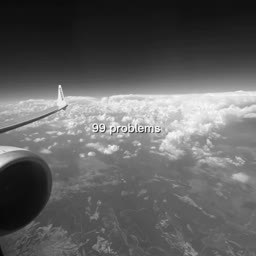
Before & After
Popular Tools
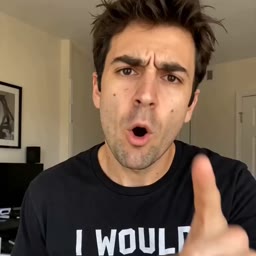
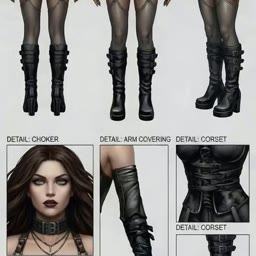
Community Examples

























Models
Seedance 2.5
Image To VideoAnimate a still into up to 30 seconds of video with optional end frame and native audio.
FLUX 3
Image To VideoAnimate a still into up to 20 seconds of video with native audio.
Kling O3 Pro
Image To VideoKling O3 Pro image-to-video with native audio, optional end frame, and multi-shot generation.
Grok Imagine Video 1.5
Image To VideoAnimate an image into video with native audio, 1–15 seconds, up to 1080p.
Seedance 2.0
Image To VideoAnimate a starting image into cinematic video with optional end-frame transition and native synchronized audio (SFX, ambient, lip-synced speech).
Google Veo 3.1 Fast
Image To VideoCredits per generation. No subscription. See pricing.